
Turn Your Insights Into Reports & Presentations
Terapage’s Publishing and Sharing
Terapage’s Publishing and Sharing feature turns your qualitative and quantitative findings into professional publications: presentations, documents, PDFs, hosted web pages and highlight reels. Whether you are creating comprehensive research reports or concise executive summaries, our platform ensures your findings are accessible, actionable, and mobile-ready for any stakeholder.
Get Started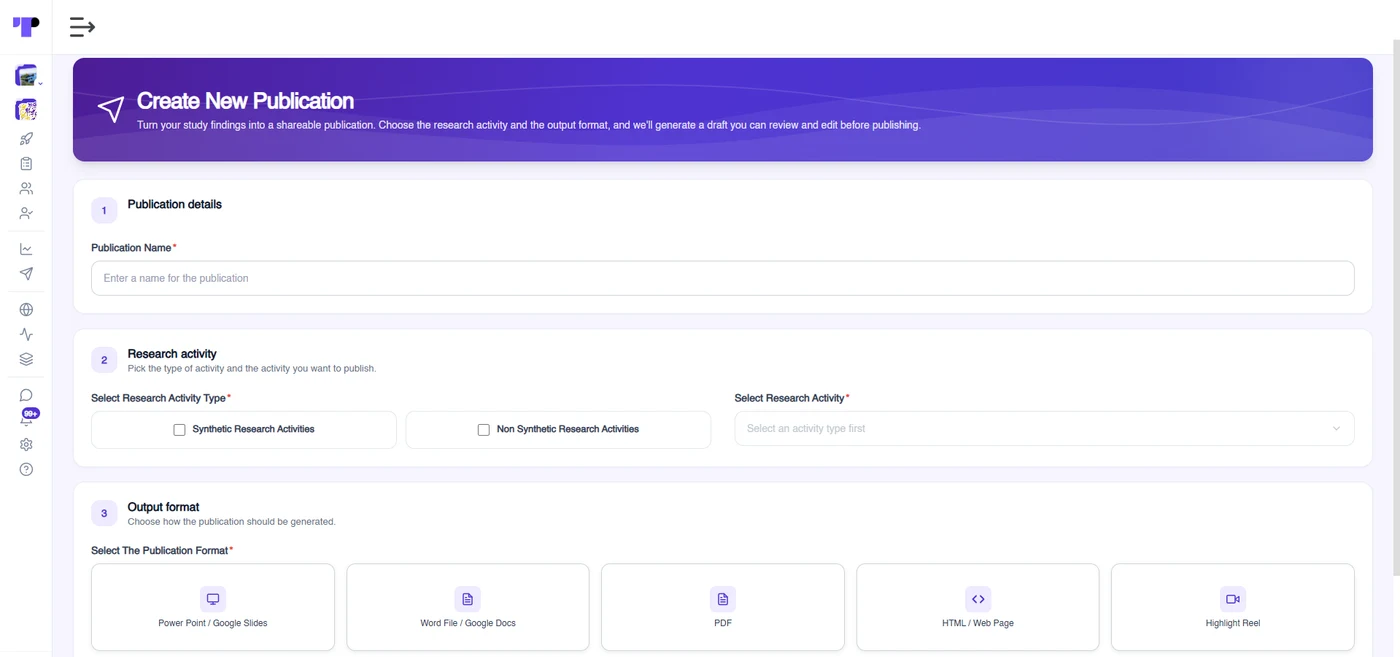
Five publication formats, one workflow
Choose the research activity you want to publish, pick an output format, and Terapage generates a draft you can review and edit before publishing.

PowerPoint / Google Slides
A presentation built from your findings. Choose a slide template, review and edit the draft, then download it as a PowerPoint file.
Word File / Google Docs
A document-style report organised into sections, with a template of your choice. Download it as a Word file.
PDF
A report laid out for PDF, with template selection and a preview before you export.
HTML / Web Page
A hosted web report. Terapage drafts the page from the research content you select; you review, edit and publish it to a link.
Highlight Reel
A reel of the audio and video highlights saved from your activities, ready to review and export as clips.

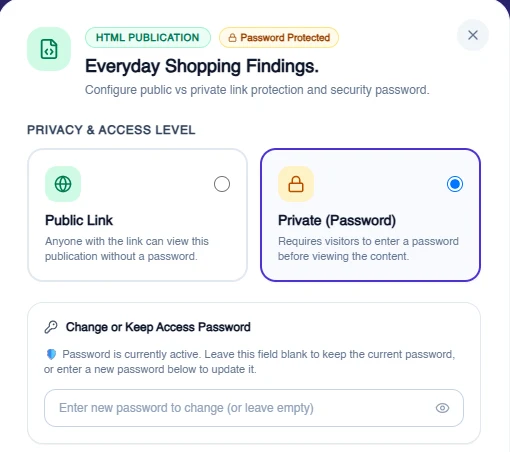
Share HTML reports with a link you control
Publish an HTML report as a hosted web page and decide who can open it. Change the access level at any time from your publication library.
- Public link: anyone with the link can view the publication without a password
- Private (password): visitors enter a password before they can view the content
- Copy the shareable link in one click, or open the published page in a new tab
- Change or keep the access password whenever you update the settings
- Unpublish a report to return it to draft
Bring findings to life with a Highlight Reel
Collect the audio and video highlights you have saved from your research activities into a single reel that your team can watch.
- Built from the highlight clips already saved in your selected activities
- Available for activities that include audio or video
- No template step: choose Highlight Reel and create it
- Export the clips together as a ZIP file


Seamless Export to Multiple Formats
Download presentations as PowerPoint, documents as Word and reports as PDF in a few clicks. HTML reports can be published to a hosted link or downloaded, and Highlight Reel clips can be exported together as a ZIP file. Utilize our customisable research templates to ensure consistent branding across your organization. This is especially valuable for market research agencies who need to deliver white-labeled, polished reports to multiple end-clients.
See Use CasesCustomisable Templates for Consistent Branding
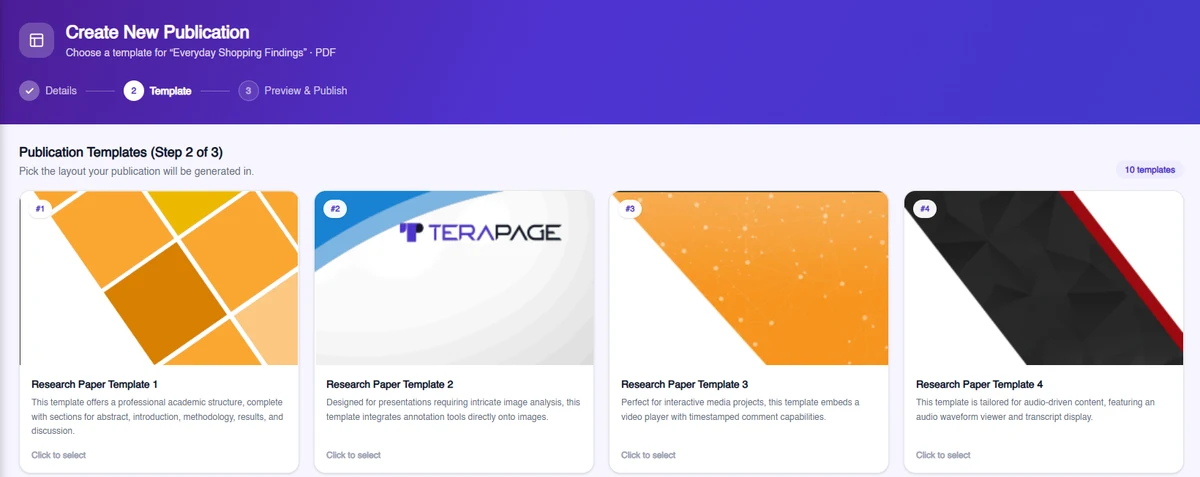
Terapage provides customisable templates to ensure that your publications reflect your organisation’s branding and style. From colours and logos to font choices and layouts, you can create a consistent, professional look across all your reports and presentations. These templates save time while maintaining a polished and cohesive appearance, reinforcing your brand identity in every publication.


Dynamic Data Visualisation
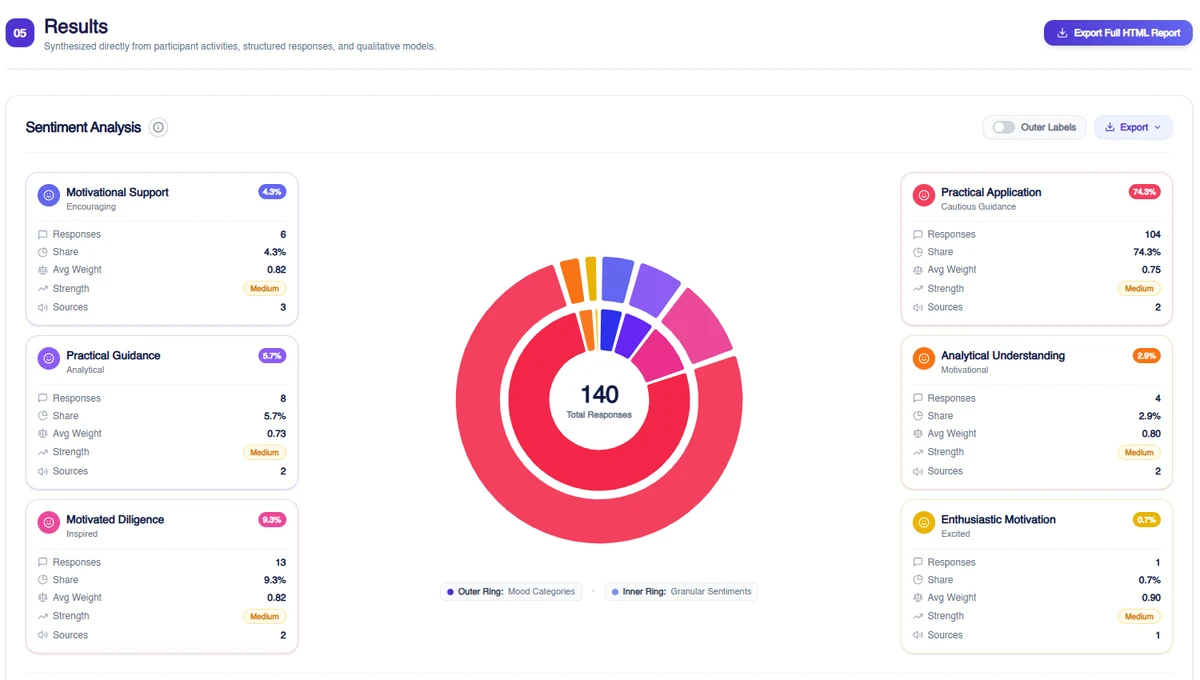
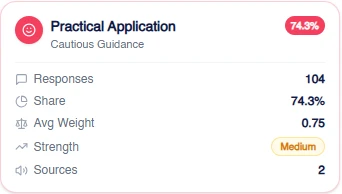
Publishing and Sharing includes in-built data visualisation capabilities to help researchers present their findings in an engaging and intuitive way. Automatically import charts, graphs, and AI-generated heatmaps directly into your slides. Our integrated Pulse intelligence helps surface key findings and automated summaries, allowing you to highlight the most important insights for time-sensitive stakeholder presentations.
See Use CasesEditable and Reusable Content
All reports and presentations created in Publishing and Sharing are fully editable, giving researchers the flexibility to refine and customise content as needed. This feature ensures that you can adapt your publications to suit different audiences or purposes. Additionally, reusable content blocks enable you to build new publications quickly by incorporating previously used elements.



Integrated Summaries and Key Findings
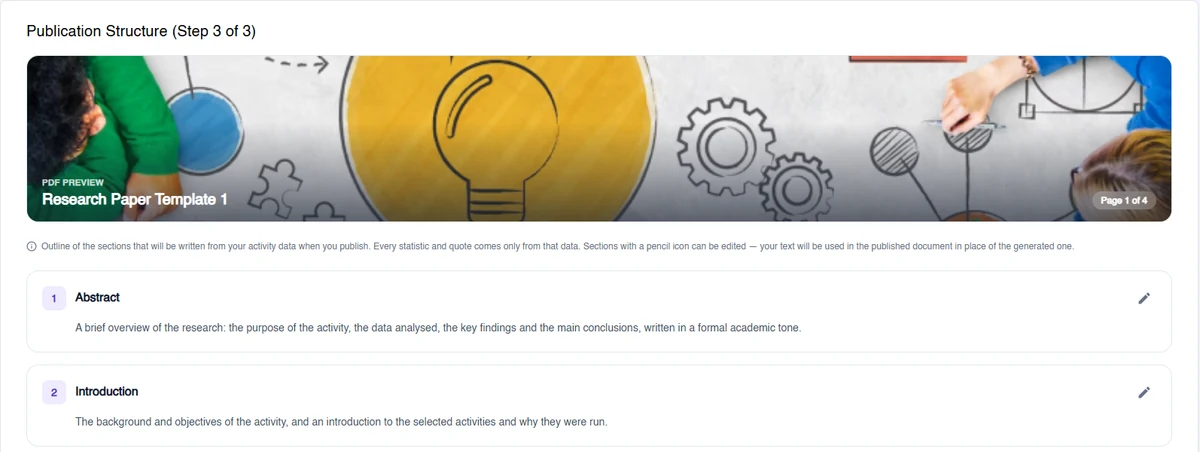
Terapage’s AI-powered summarisation feature helps researchers highlight the most important insights from their data. Automatically generate summaries and key findings sections, saving time and ensuring that your publications remain concise and focused. This feature is particularly valuable for creating executive summaries or high-level overviews for stakeholders.
See Use CasesCollaborative Publication Workflow
Terapage supports a unified publication workflow enabling teams to co-author documents and save drafts securely. Use reusable content blocks to build new publications quickly, a feature frequently used by enterprise research teams to maintain longitudinal consistency across different studies.


Export Options Tailored to Audience Needs
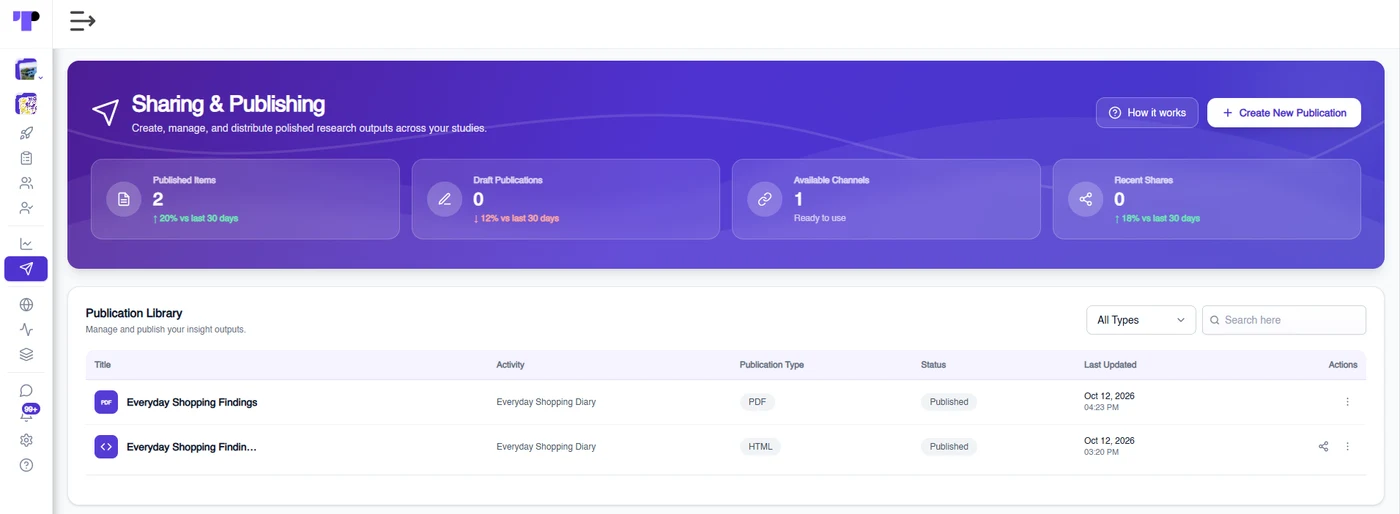
Whether you’re presenting to executives, clients, or internal teams, Publishing and Sharing allows you to tailor the level of detail in your publications. Generate high-level summaries for time-sensitive presentations or in-depth reports for detailed analysis. This flexibility ensures that your insights are presented in the most relevant and effective manner for each audience.
See Use CasesTime-Saving Automated Publishing
Automate the heavy lifting of formatting, visualization, and export. Our tool allows you to focus on interpretation rather than manual report building. For advanced integration or custom export needs, review our Technical Documents or contact our support services for expert guidance on your publication strategy.

And more platform features & capabilities...


Extra services to ensure that you succeed
We understand that our platform may need to be supported with both the standard and optional packages in order to help you succeed in the research, that is why we offer valuable services that are customised according to the needs of your research.


