Terapage integrations
Zoom Integration Guide
Connect Terapage to Zoom so researchers can import recorded interviews, transcribe them, analyse the discussion, and turn external Zoom conversations into structured Terapage research data.
Terapage – Zoom App Documentation
Overview
Terapage is a qualitative research platform that helps researchers manage studies, schedule interviews, and analyze participant data. The Zoom integration allows researchers to connect their Zoom account and import cloud recordings directly into their Terapage workspace for AI-powered transcription, analysis, and storage.
Permissions requested:
- cloud_recording: read:list_user_recordings – read your Zoom cloud recordings list
- user:read:user – read your Zoom user profile (used to associate recordings with your account)
Adding the App
Prerequisites:
- You must have a Terapage researcher account.
- Your Zoom account must have cloud recording enabled.
- You must be signed in as a Researcher.
Steps:
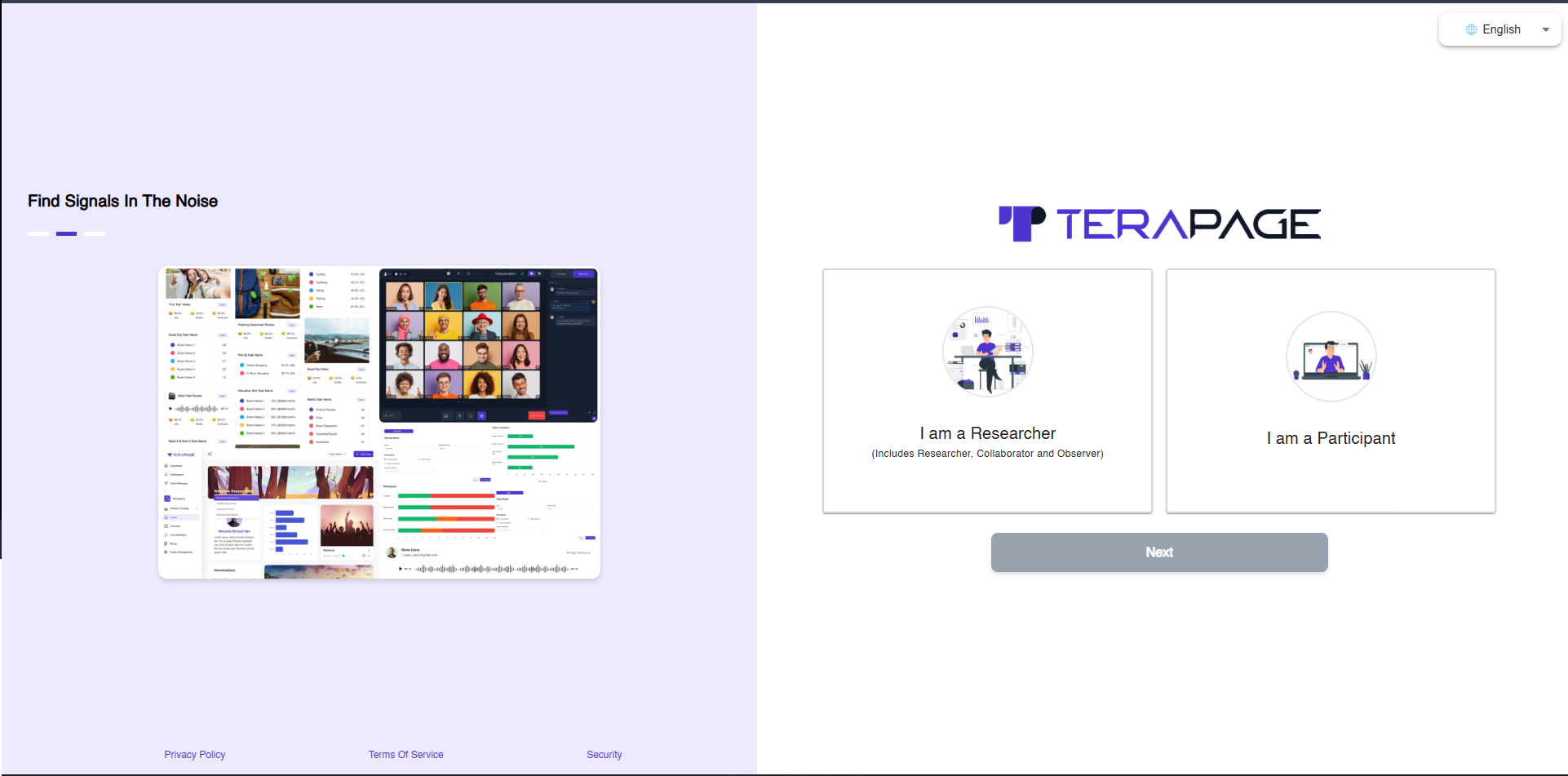
- Log in to Terapage at https://app.terapage.ai
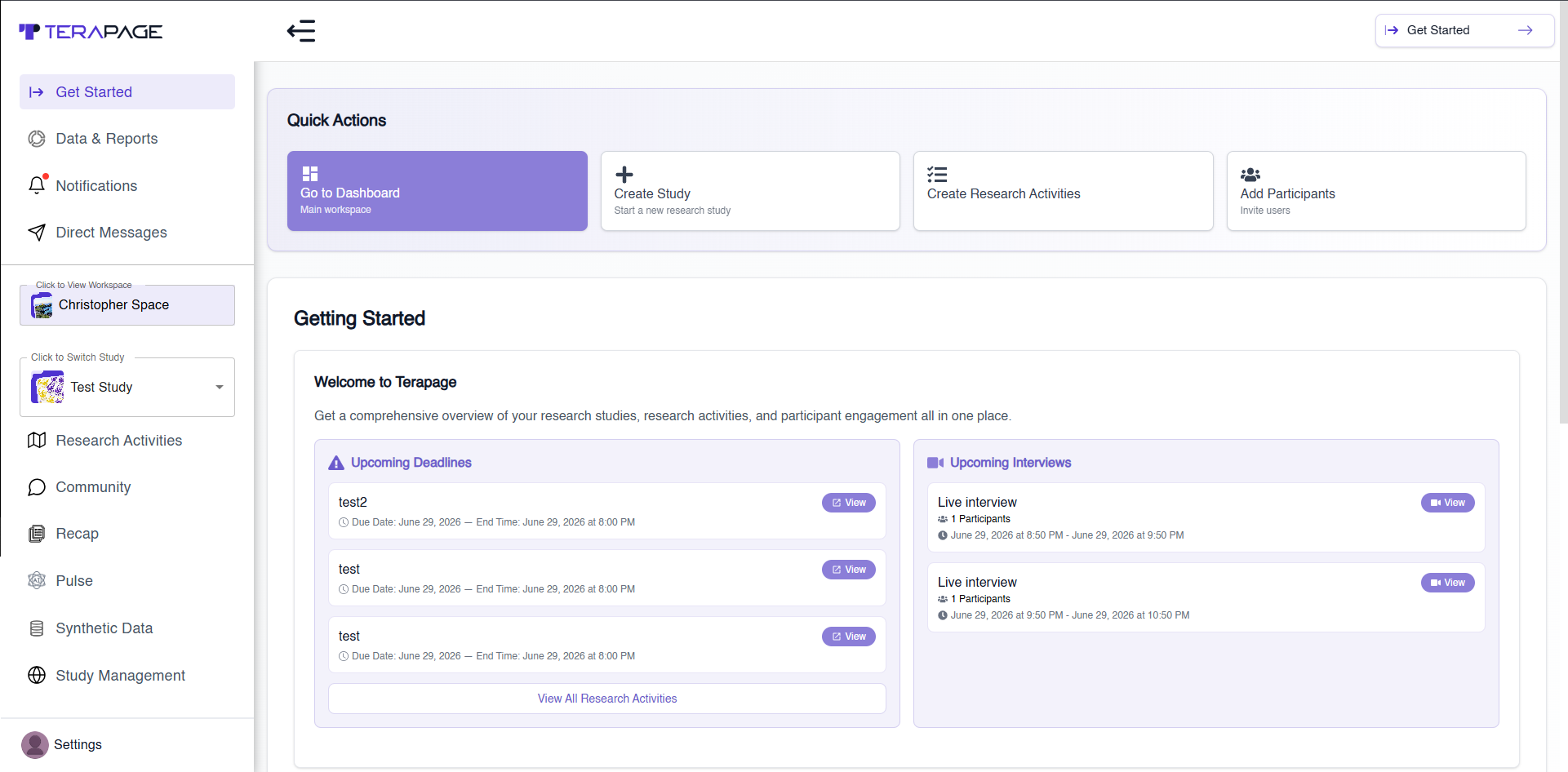
- Open Settings → Account Settings
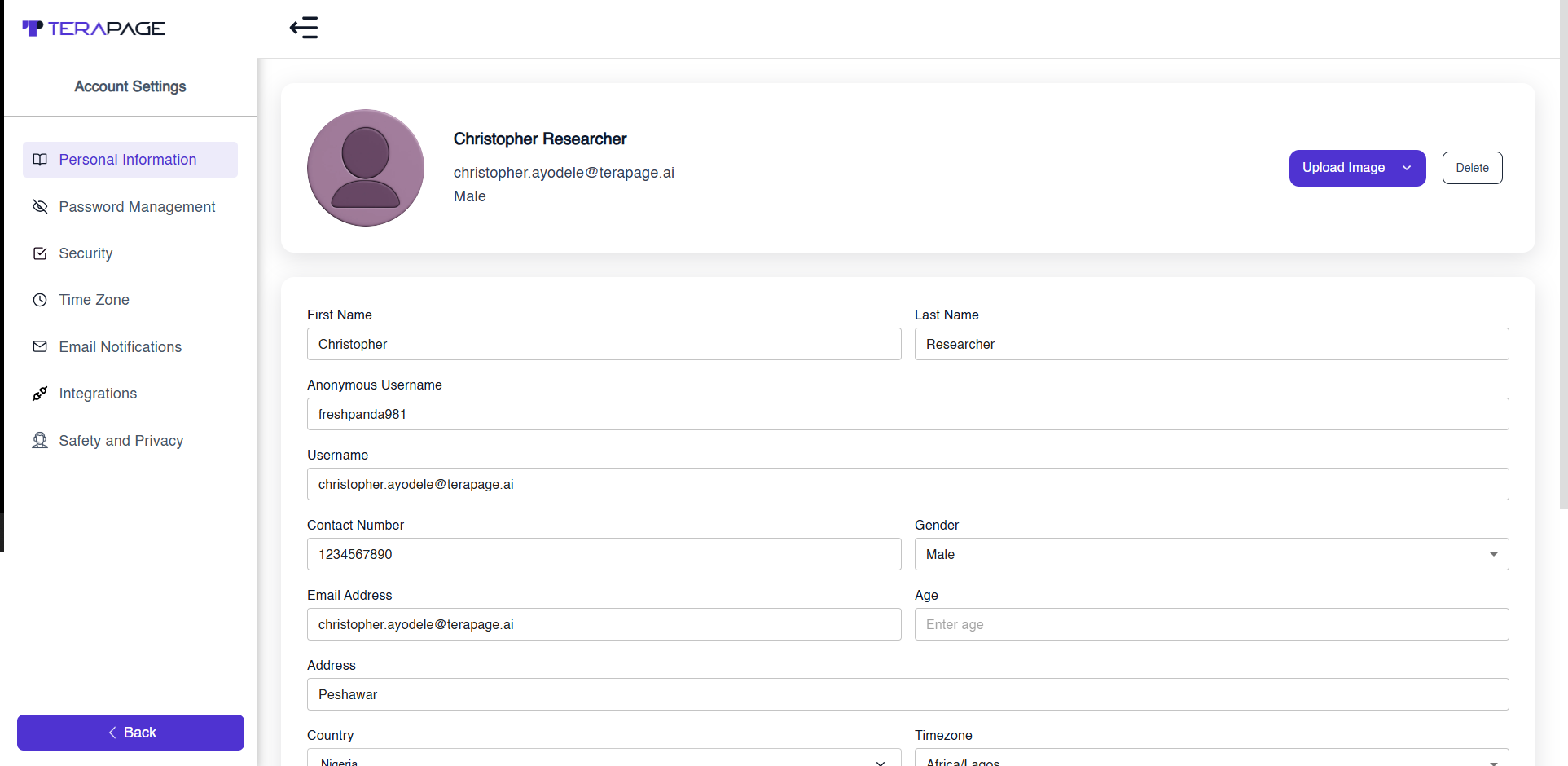
- Go to Integrations
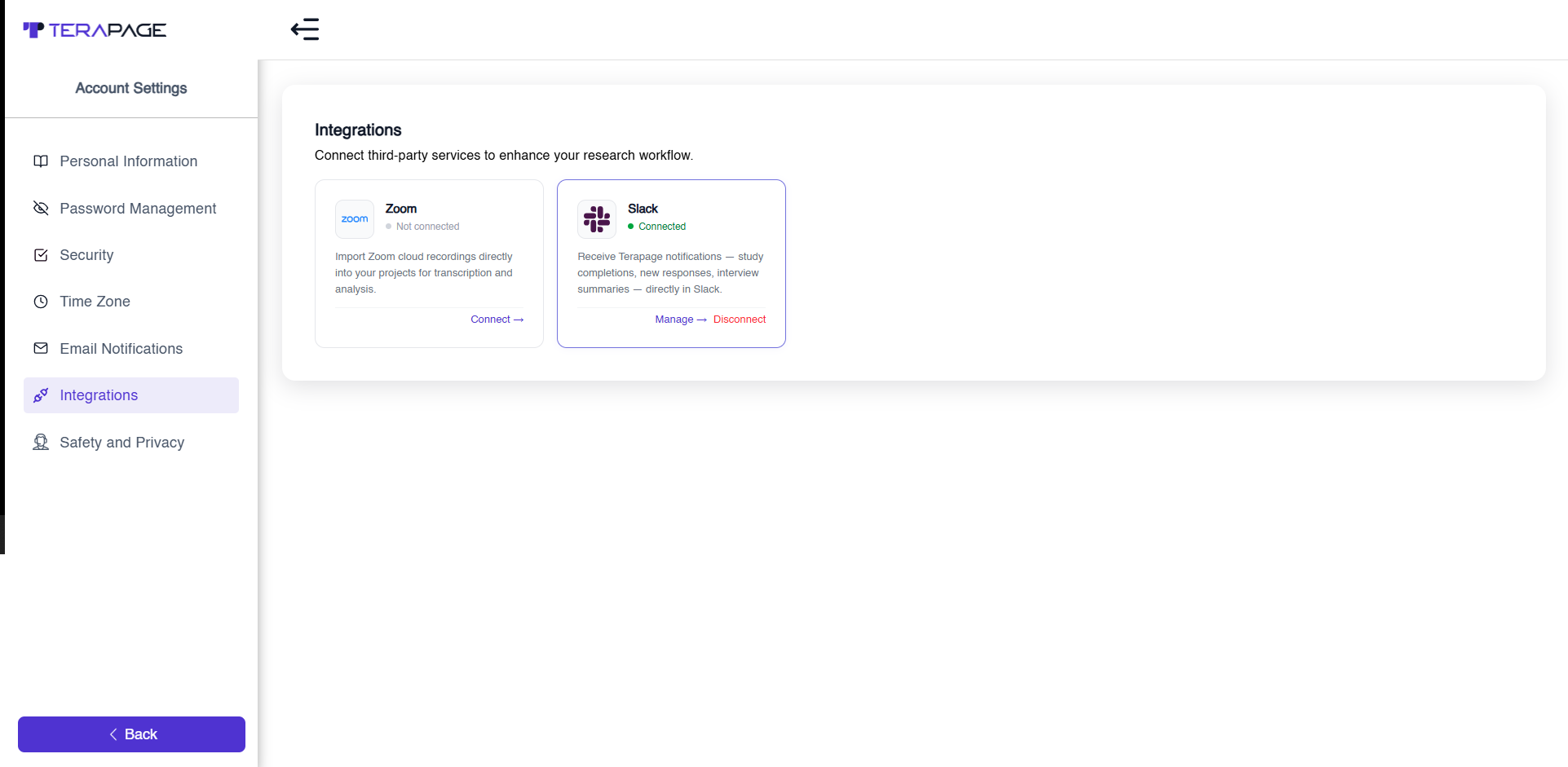
- Connect Zoom and authorize via OAuth
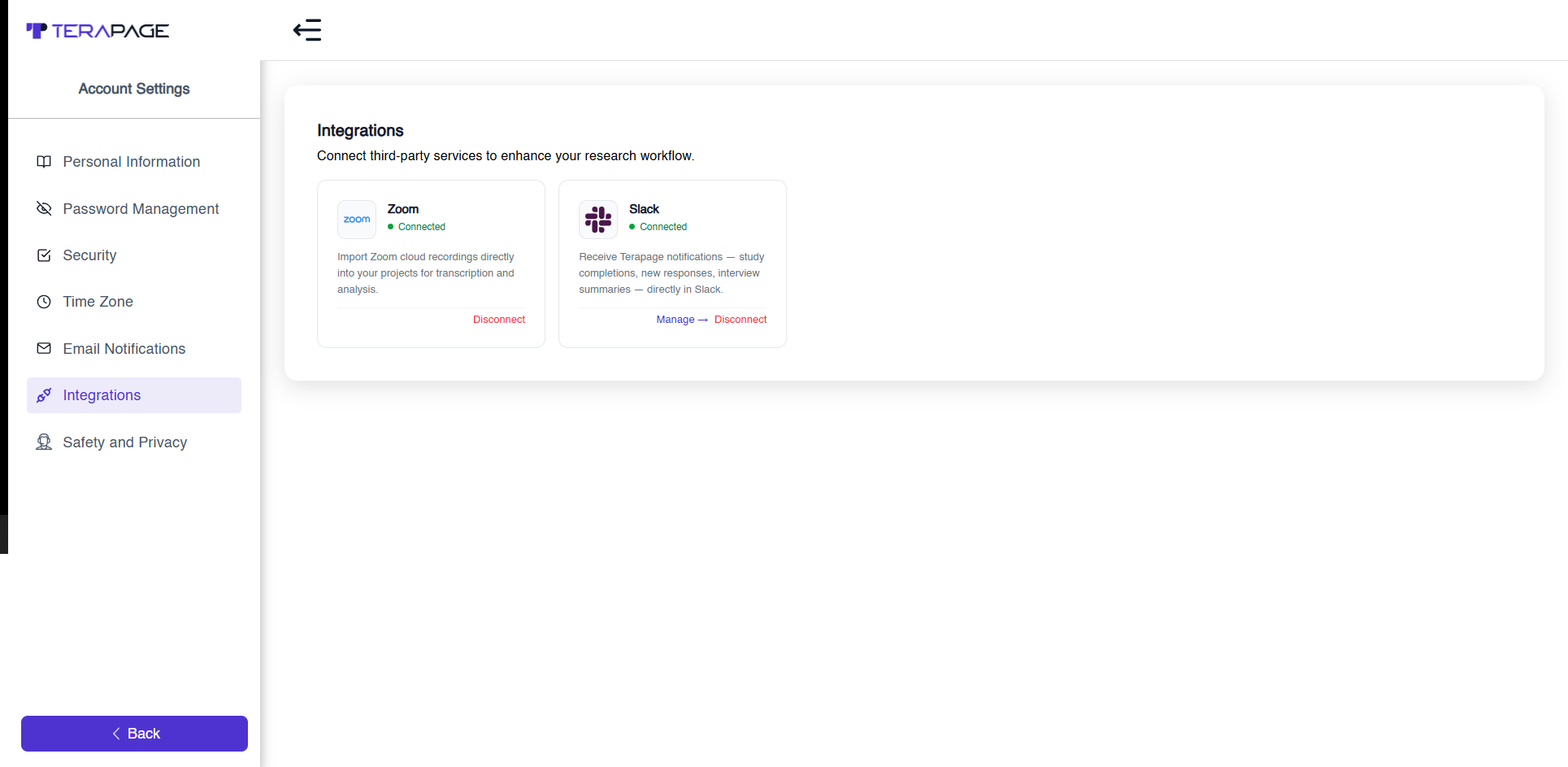
- Confirm connection status shows Connected
Troubleshooting:
- Popup blocked: allow popups
- No recordings: ensure Zoom cloud recording is enabled
- Authorization fails: revoke app in Zoom and retry
Usage: Import Zoom Recording
Steps:
- Go to Research Activities
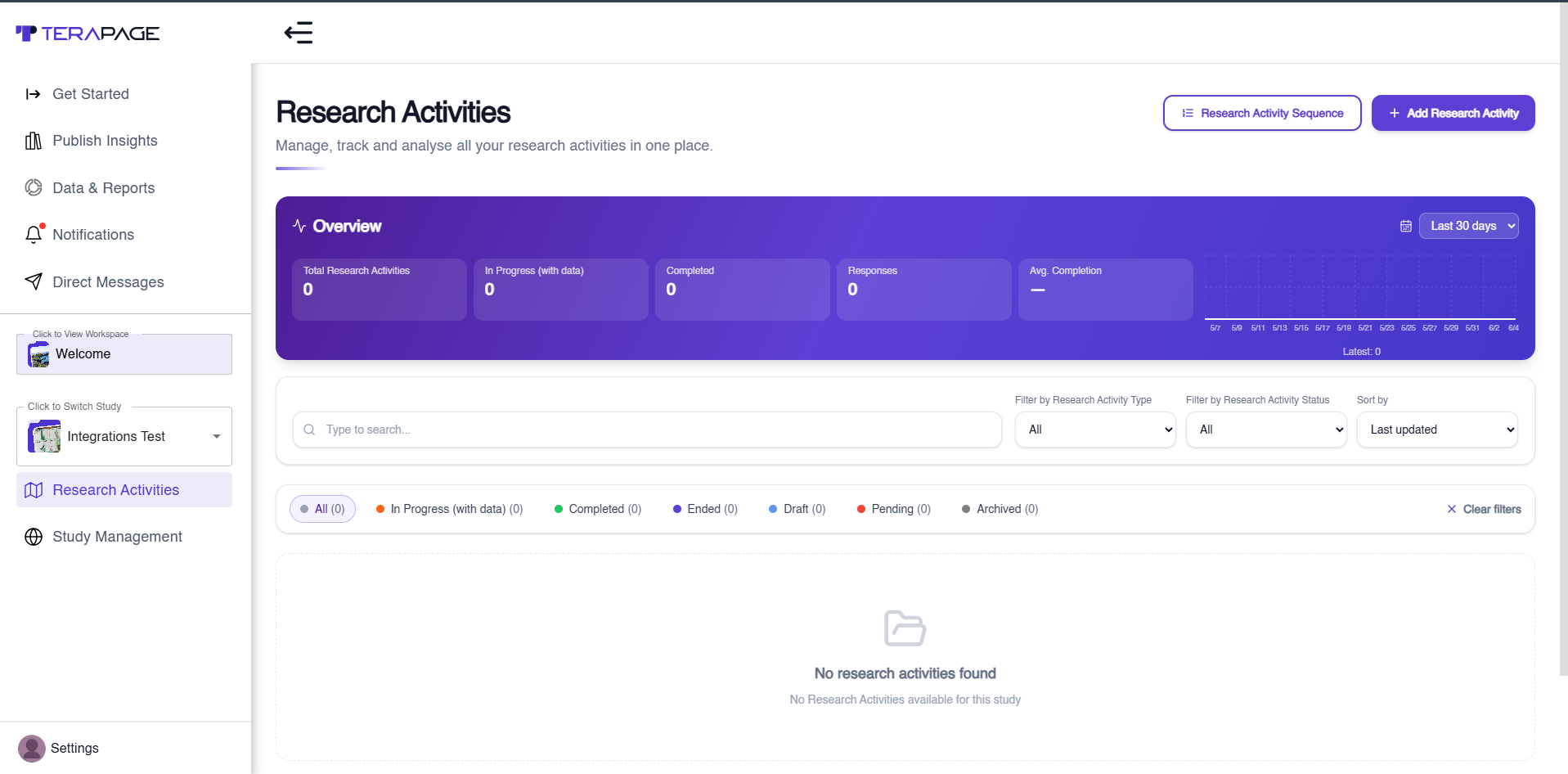
- Click Add Research Activity
- Enter Research Activity Name
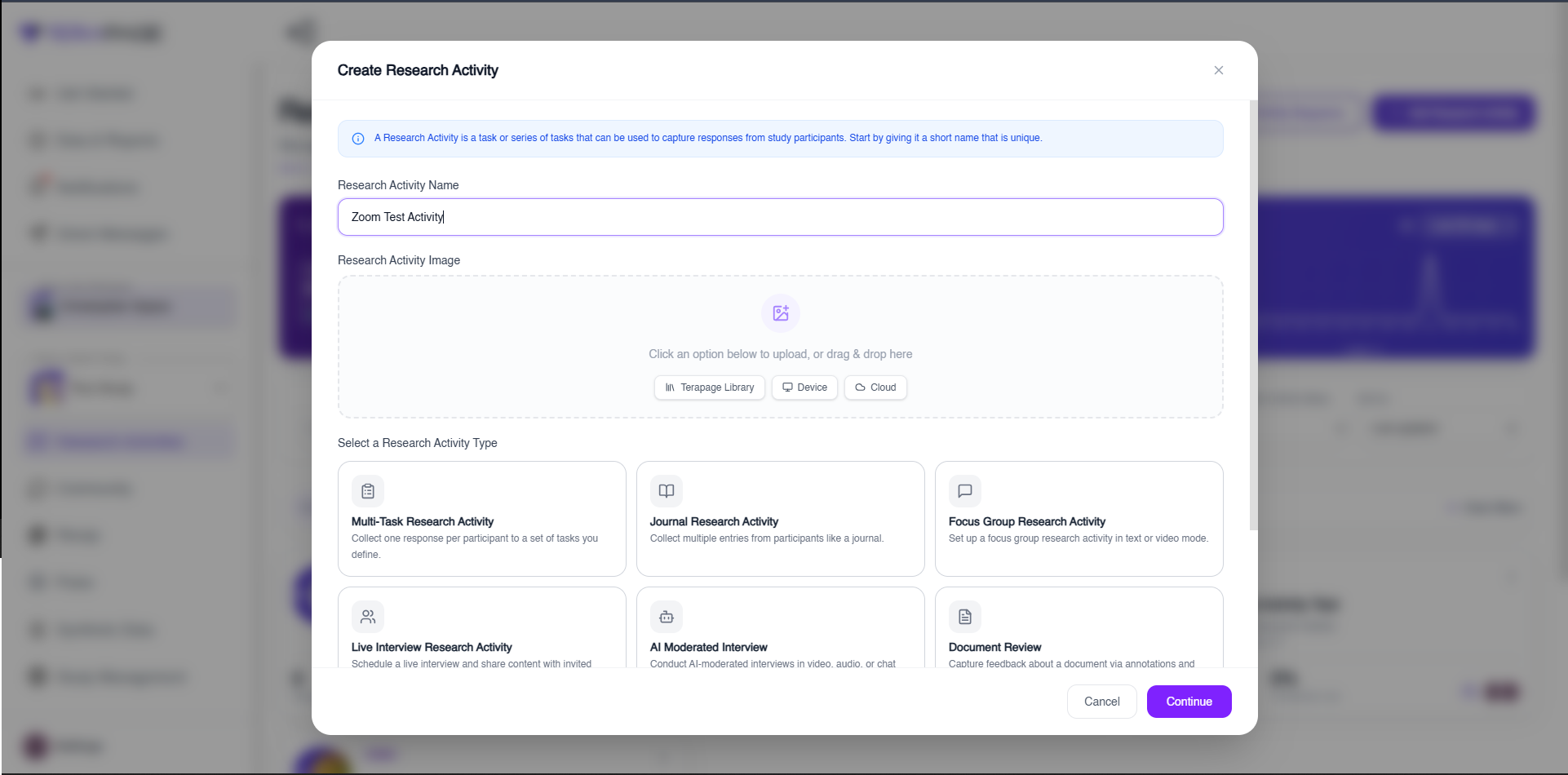
- Select Import External Interview Research
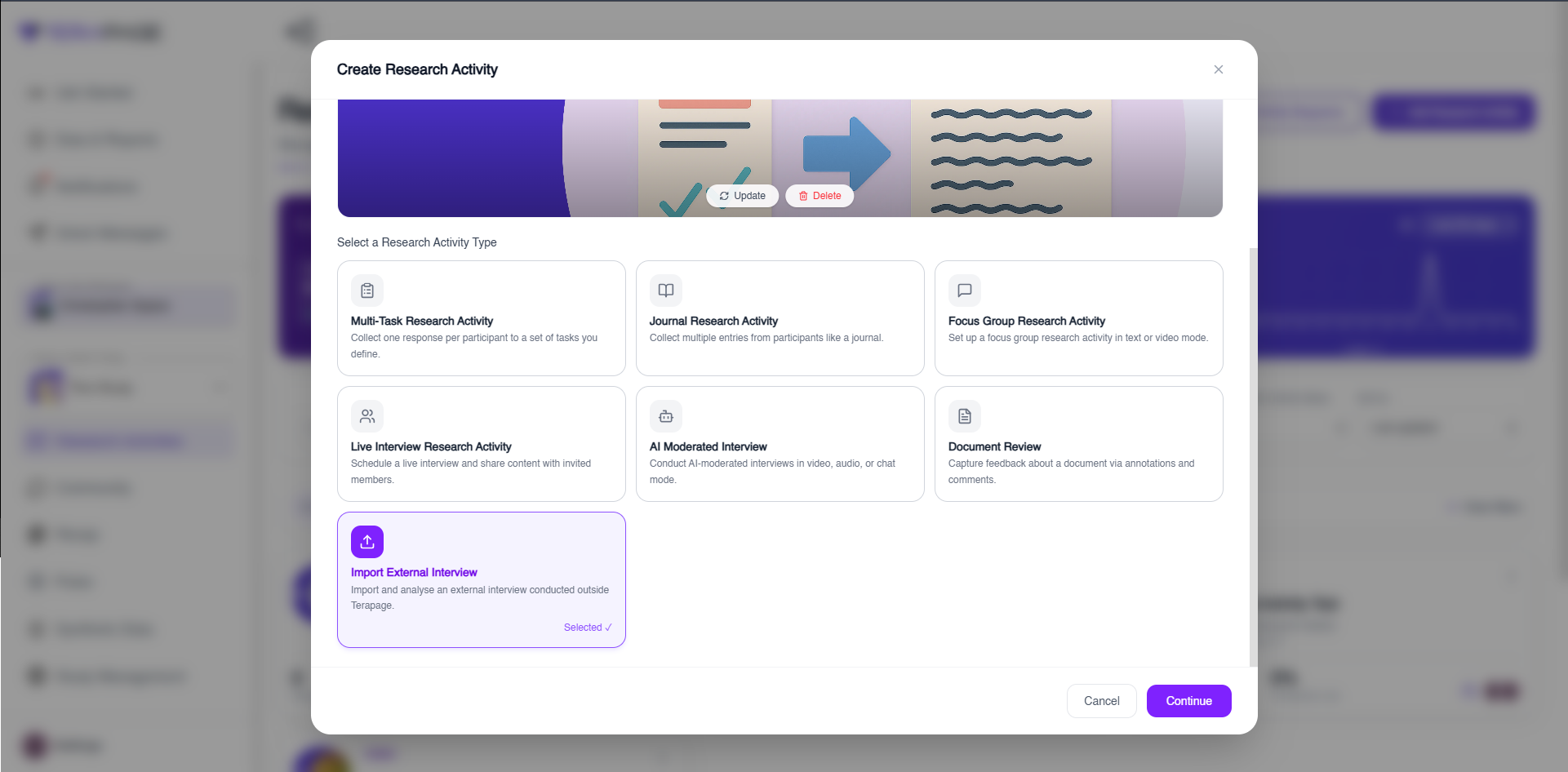
- Choose Upload Type
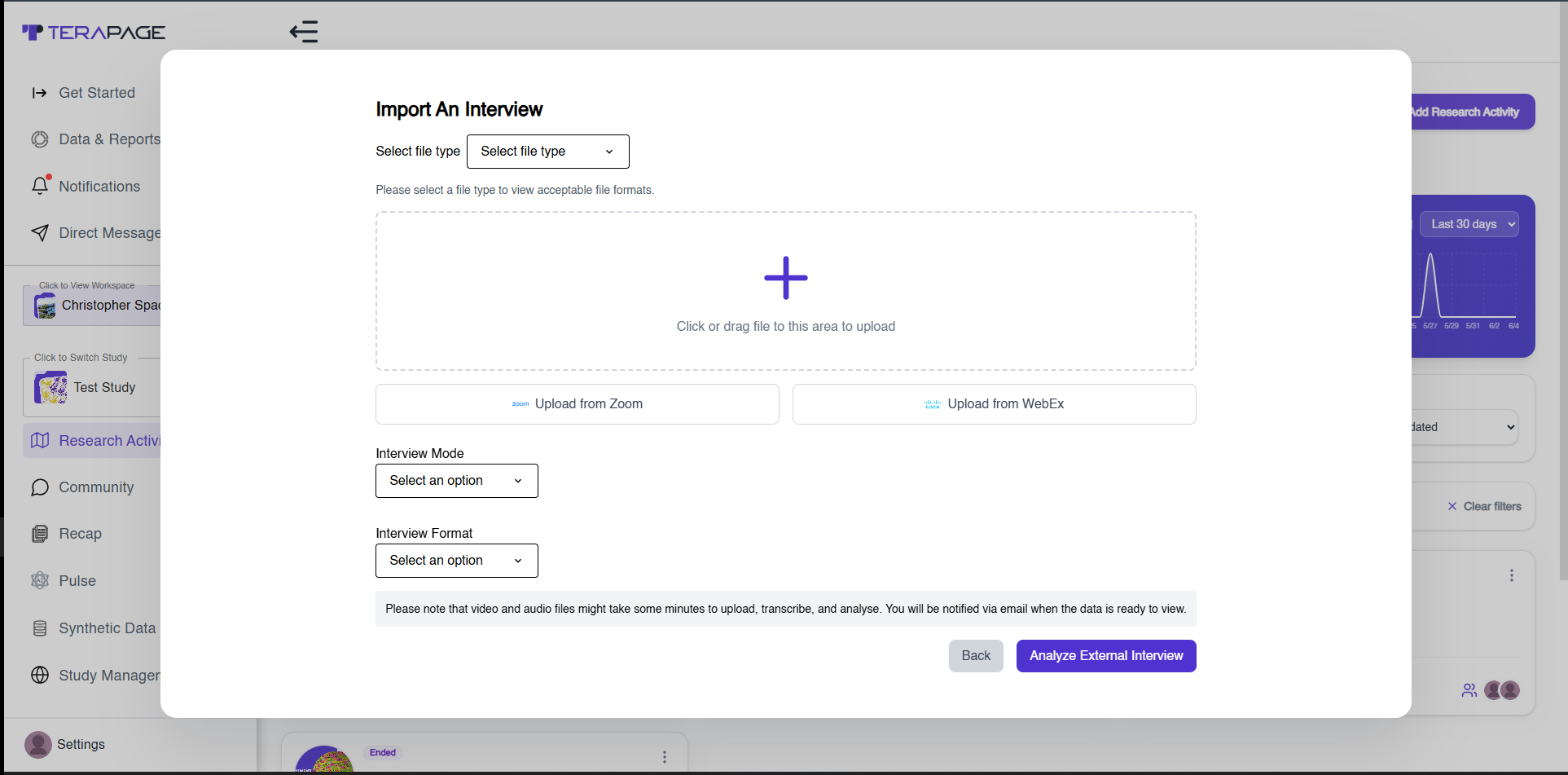
- Upload from Zoom
- Select recording
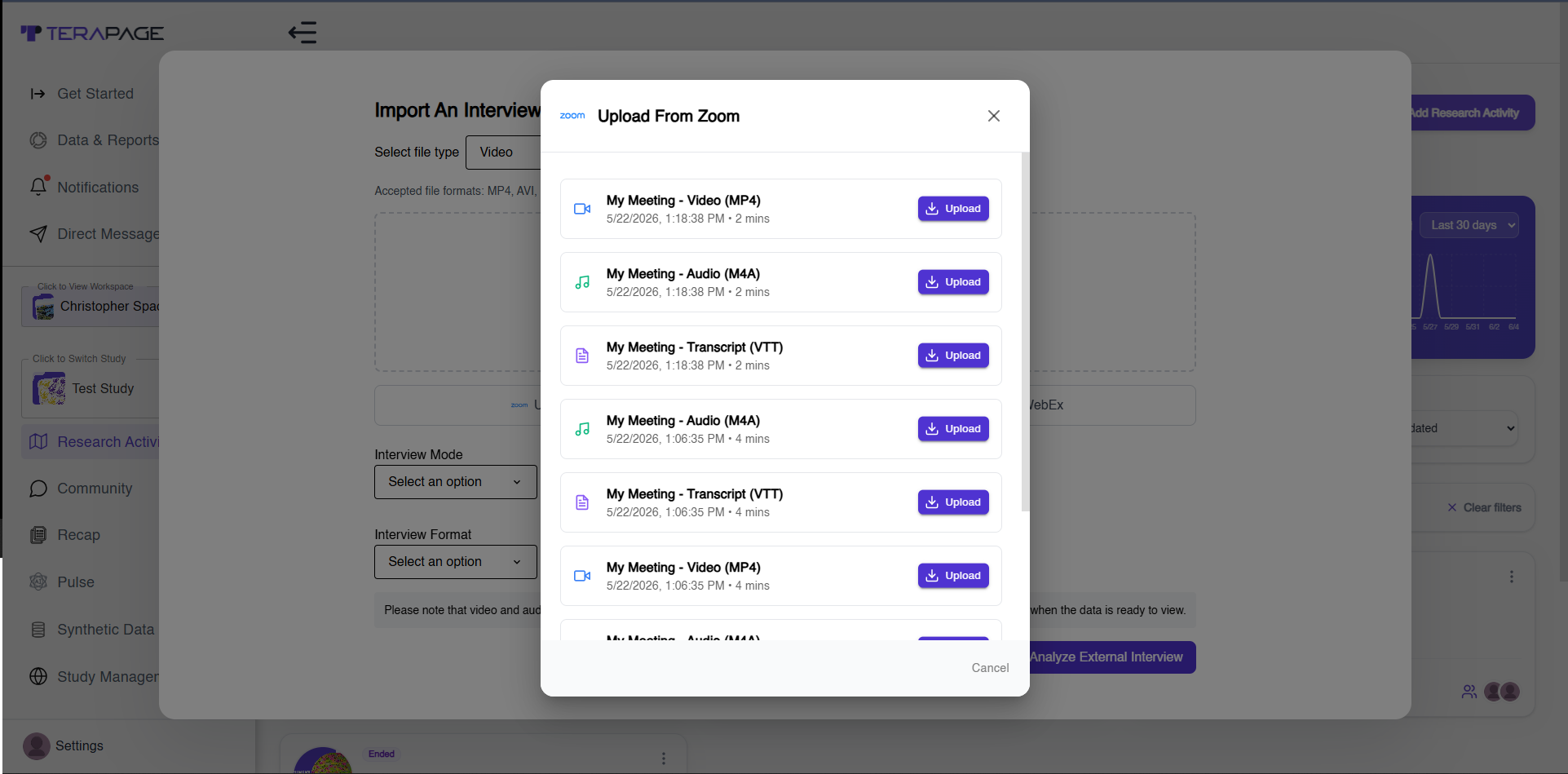
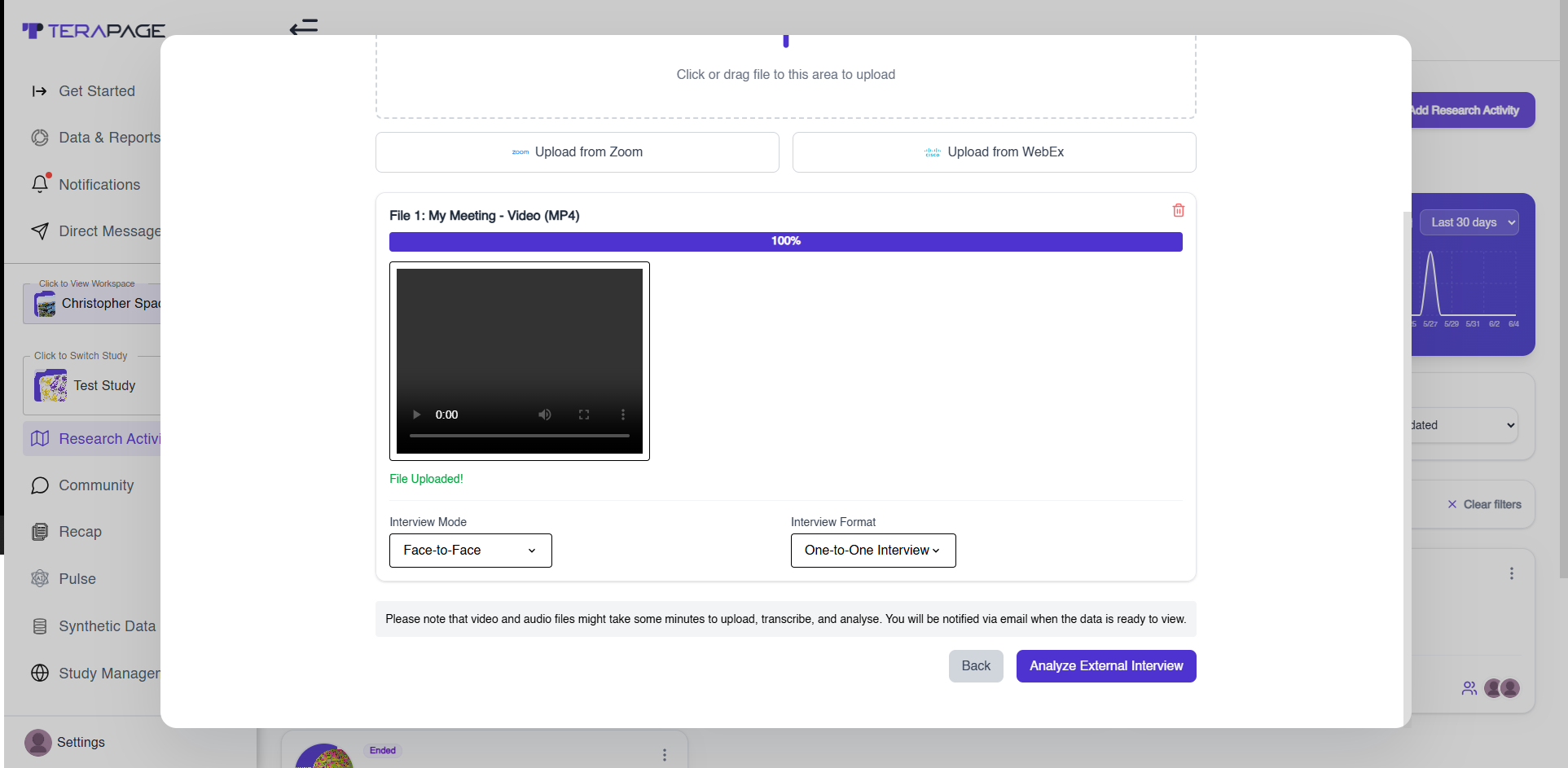
- Choose Interview Mode and Format
- Click Analyze External Interview
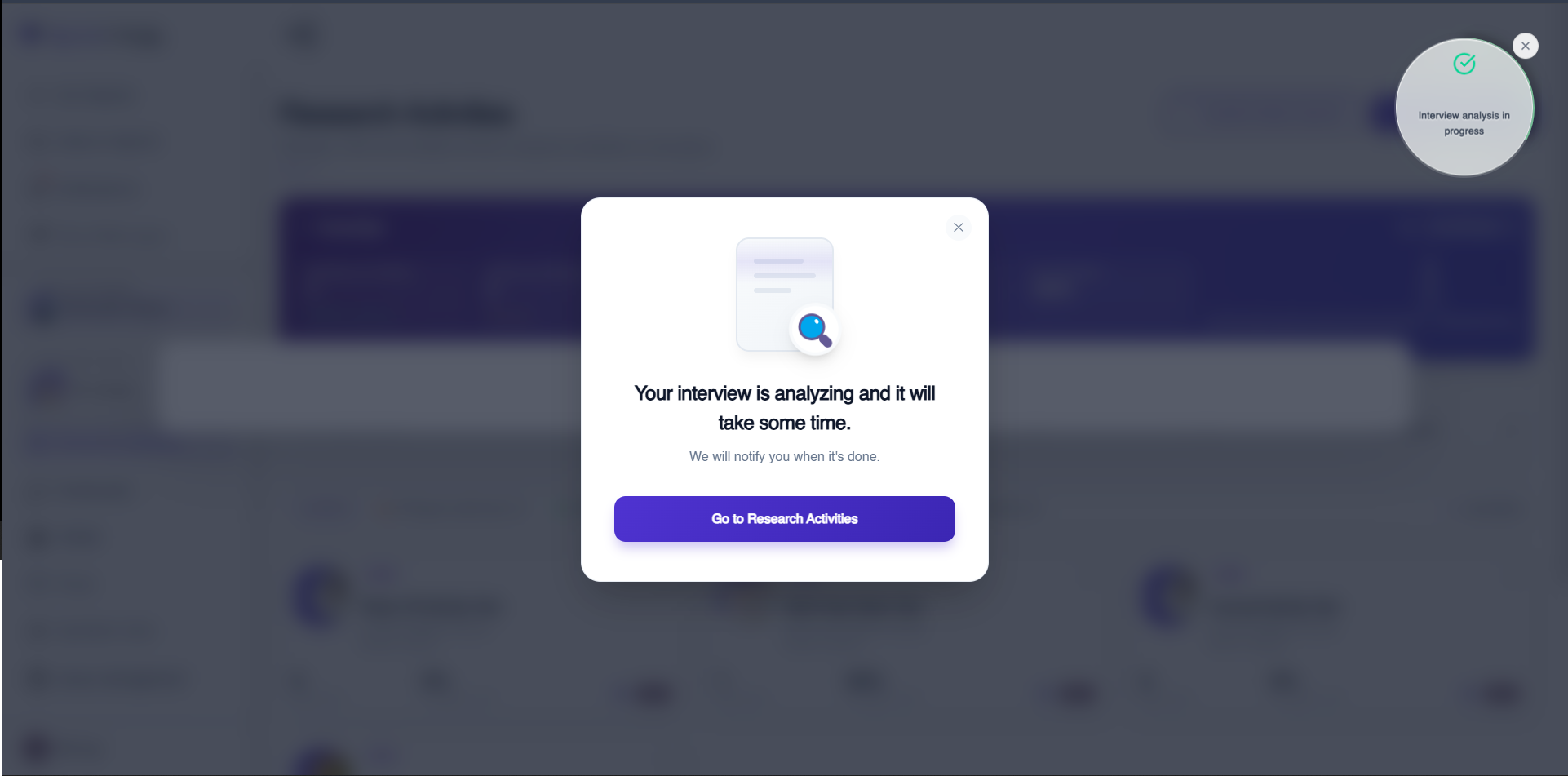
- Return to Research Activities
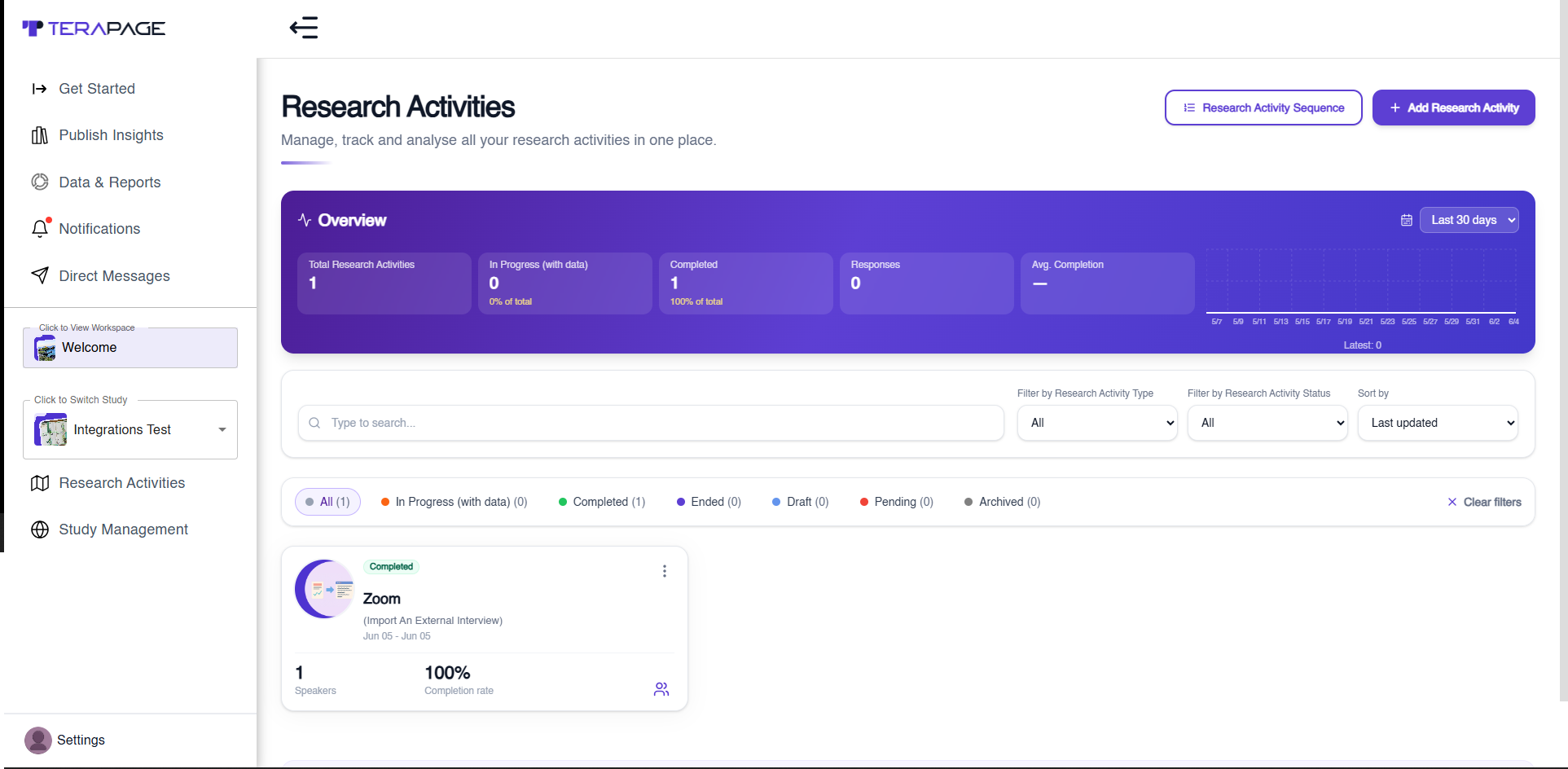
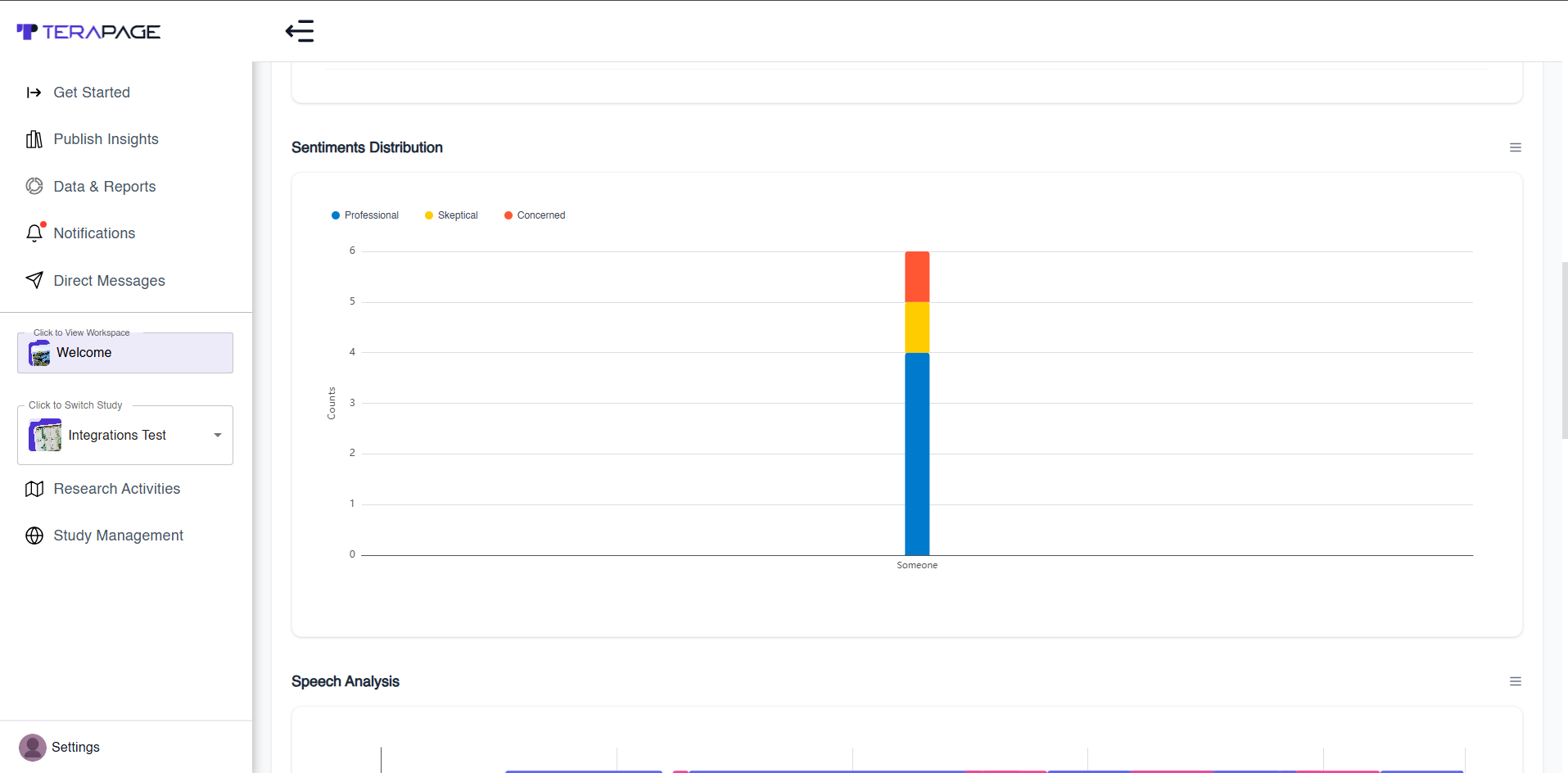
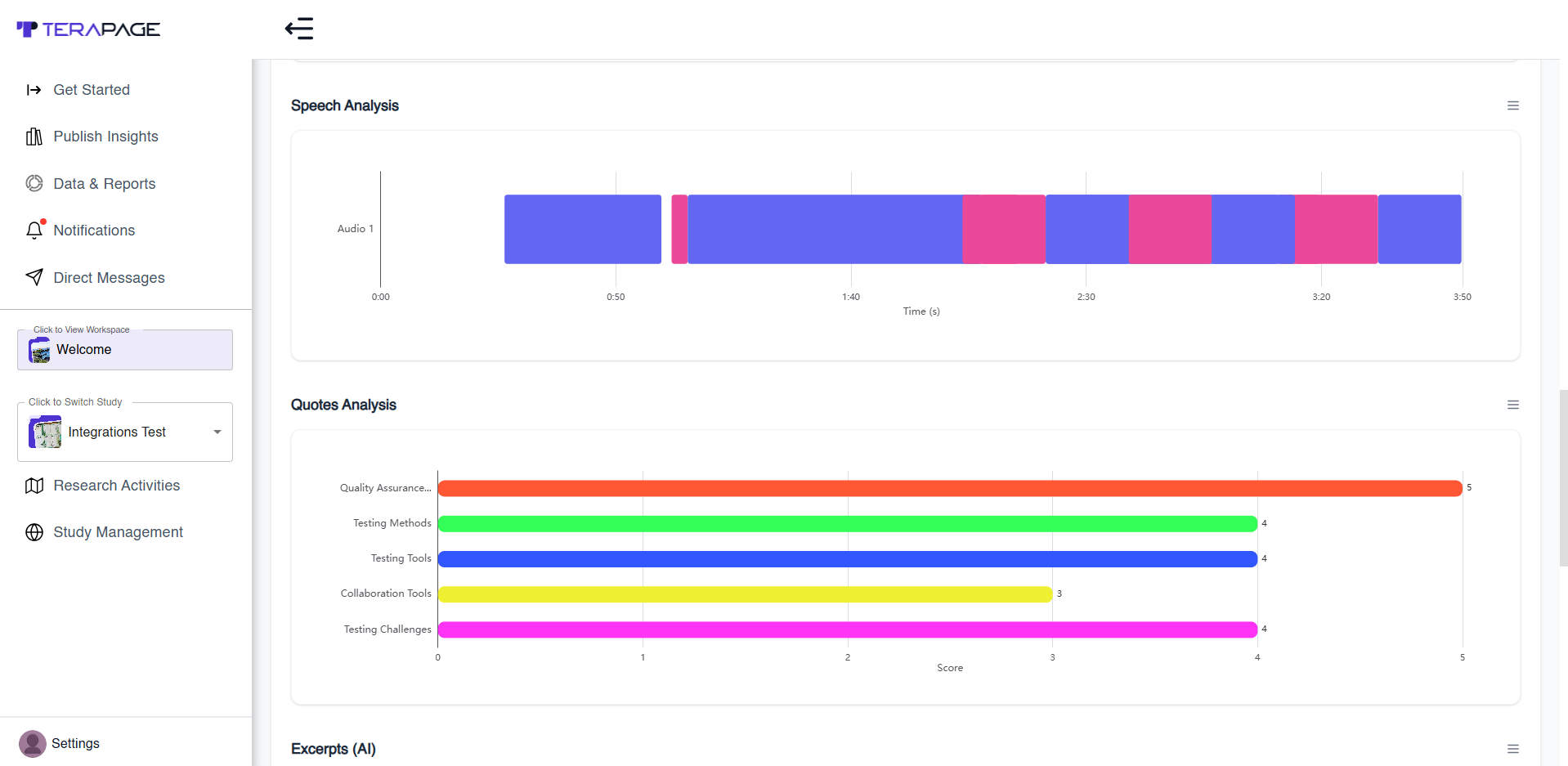
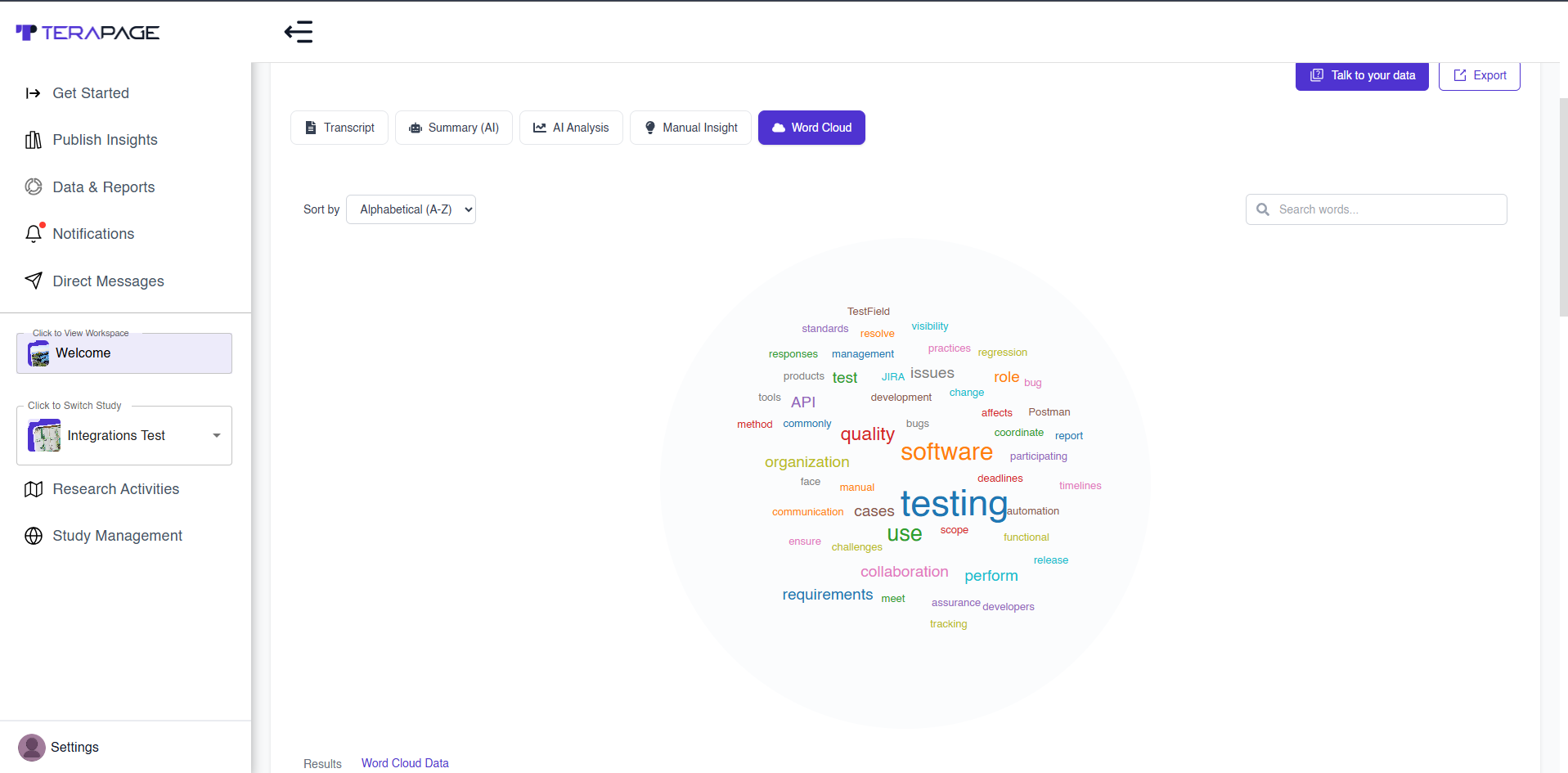
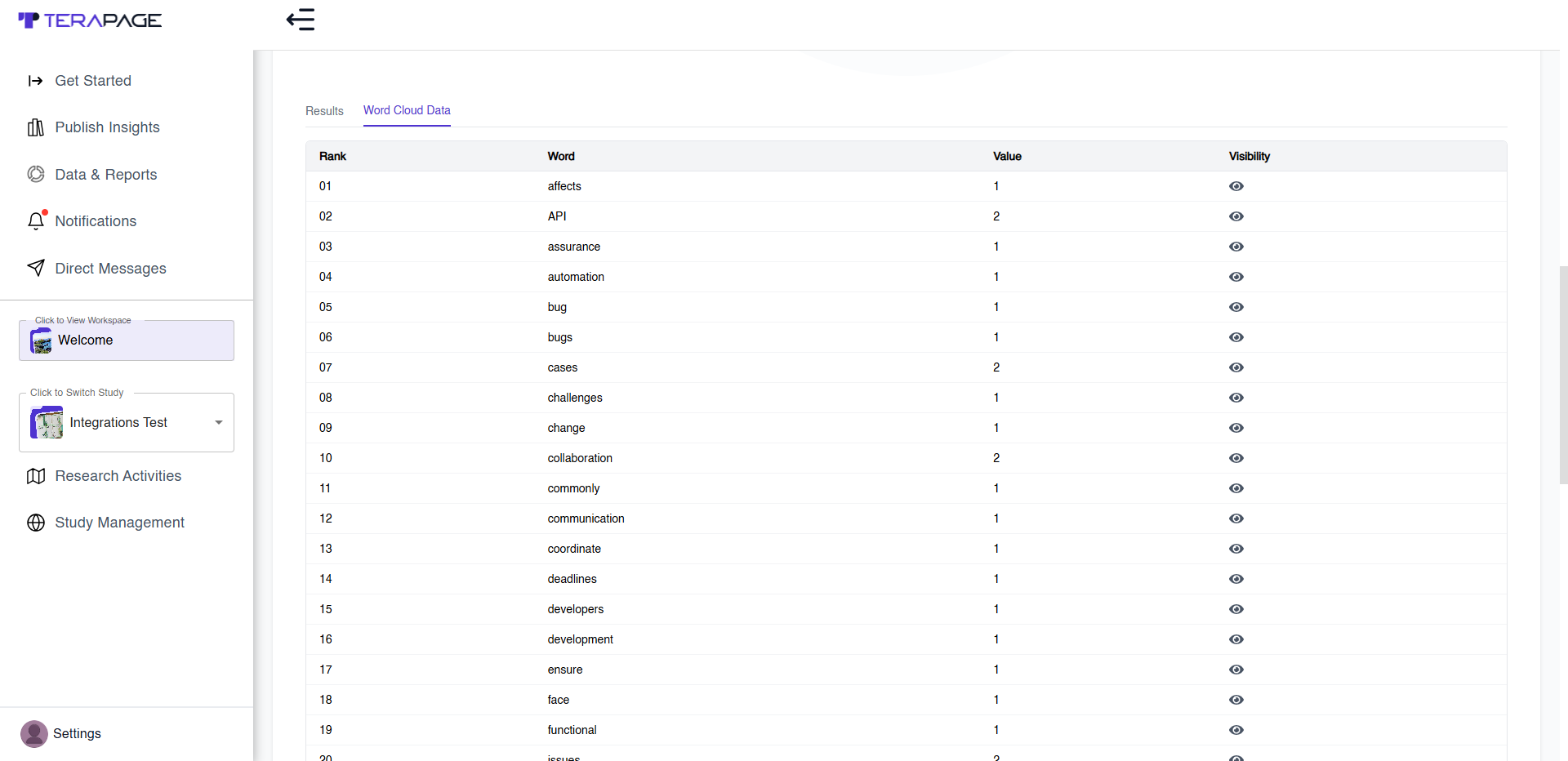
- Refresh page to view analysis
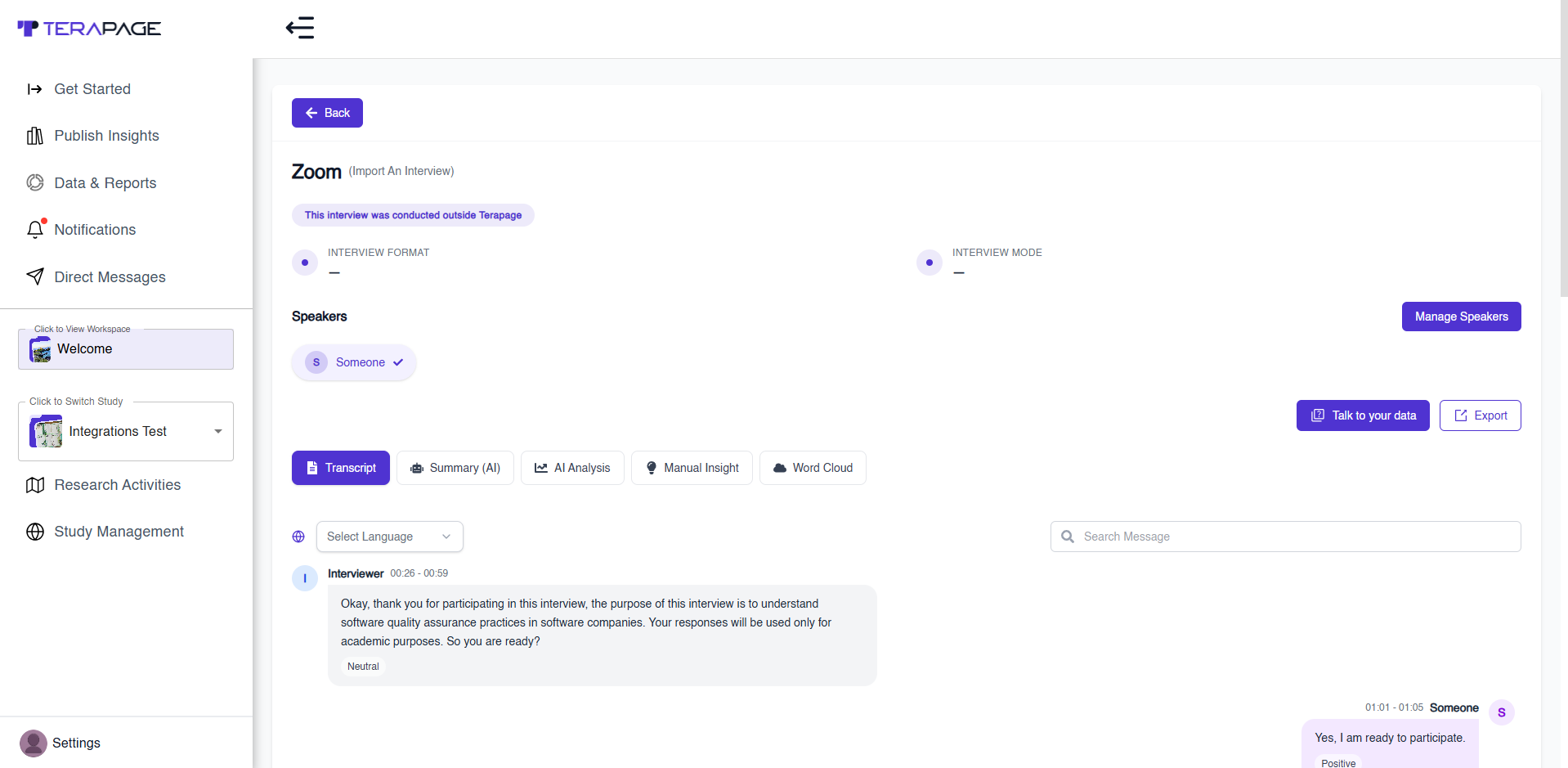
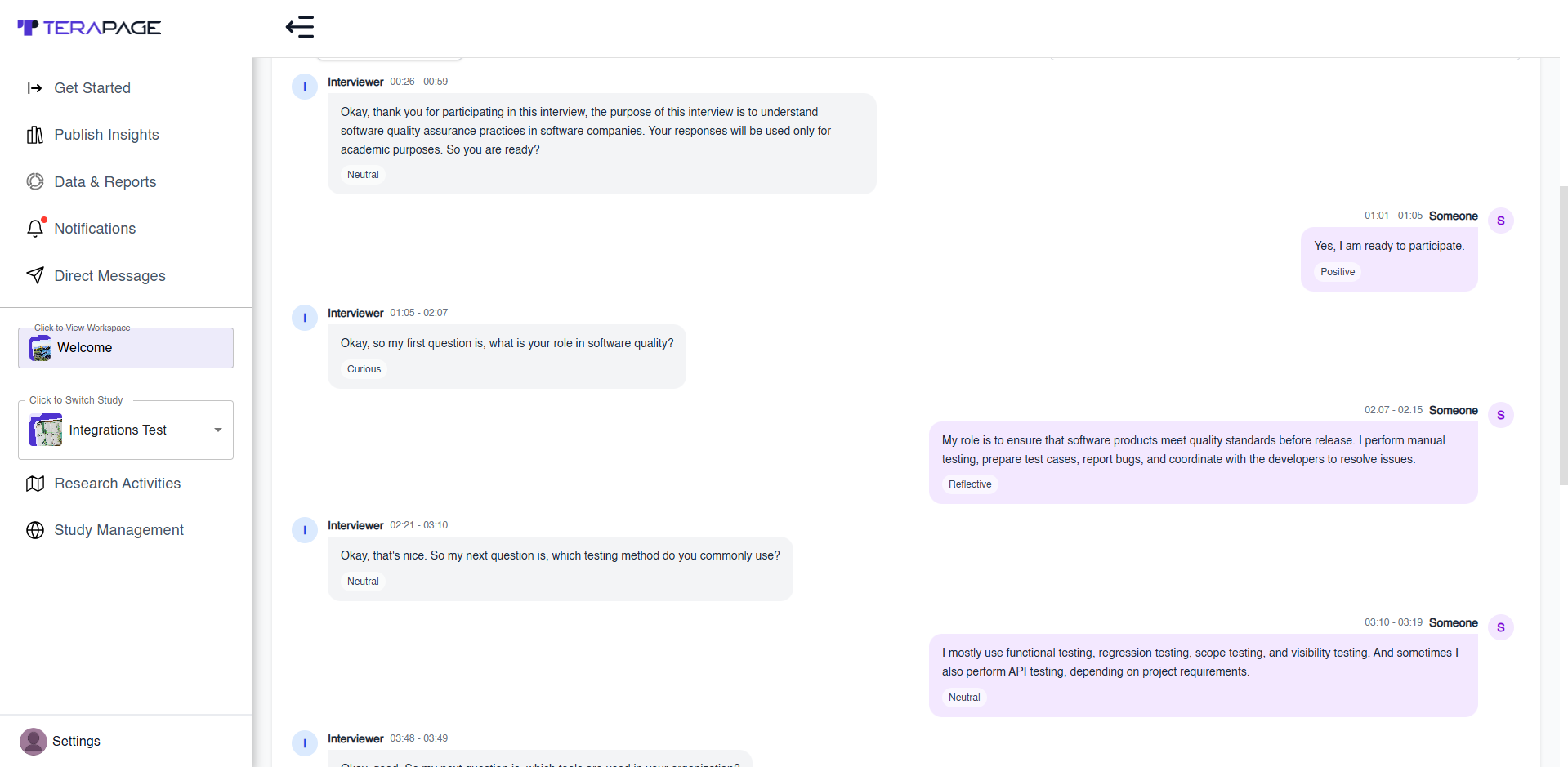
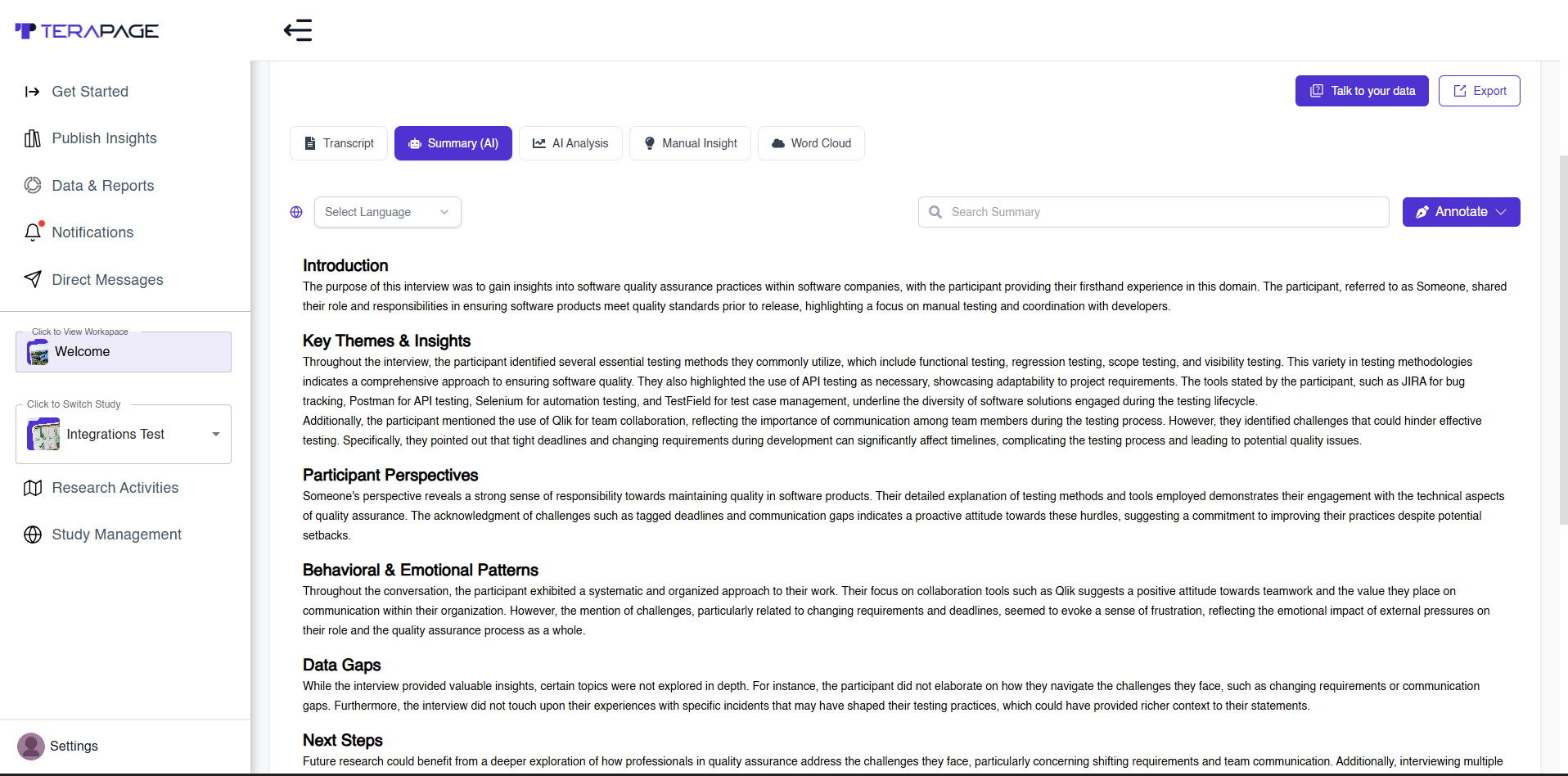
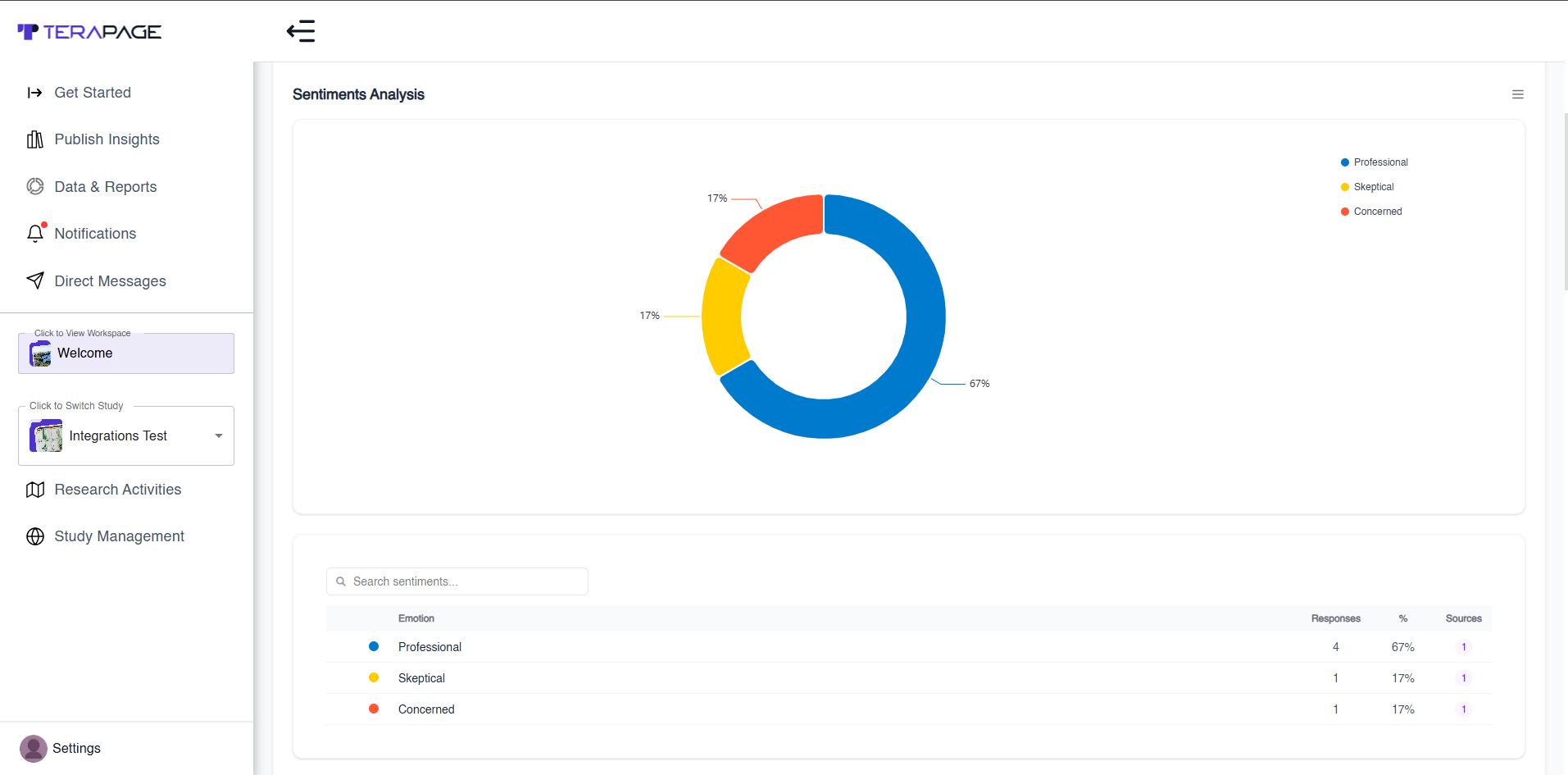
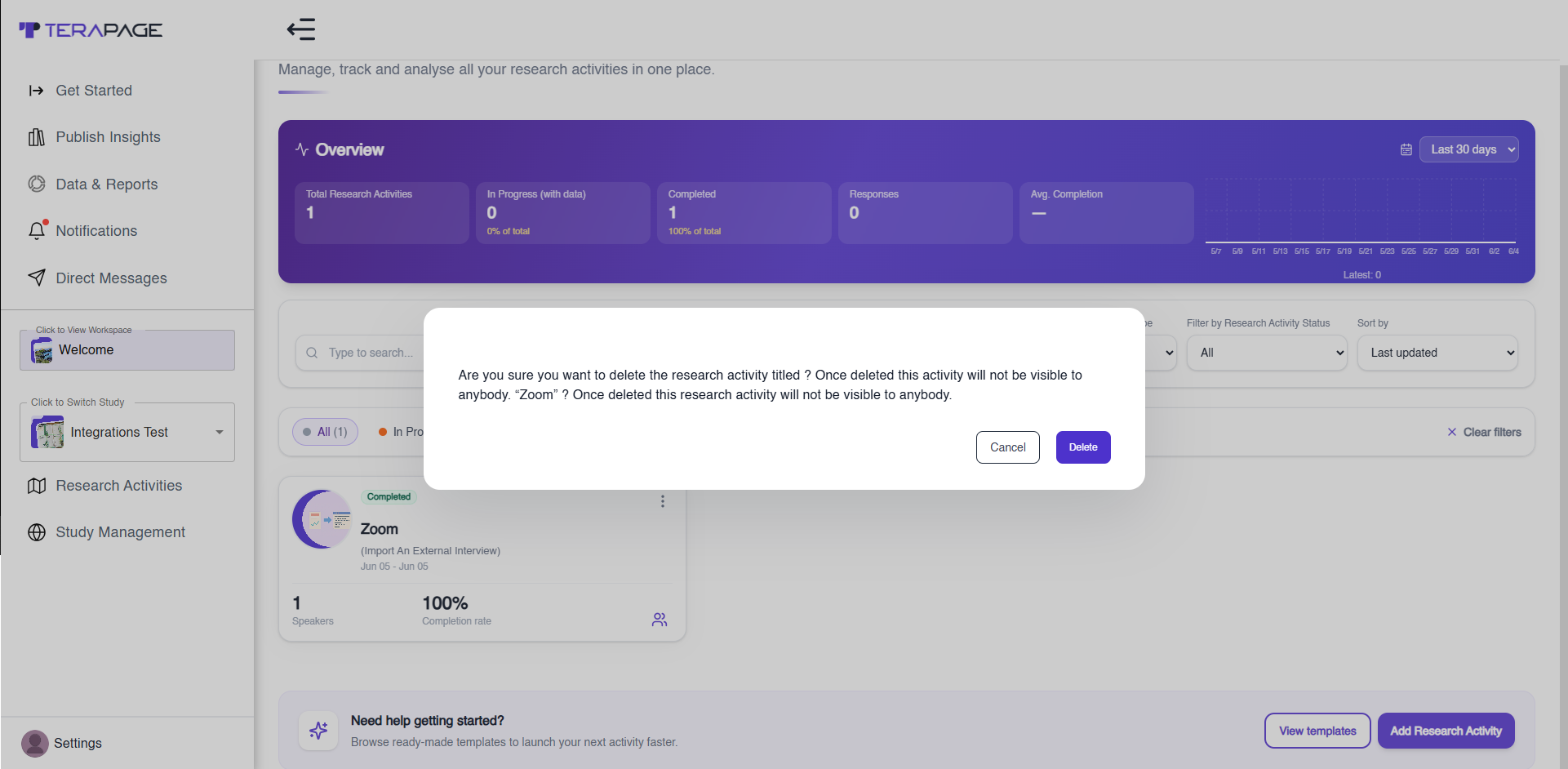
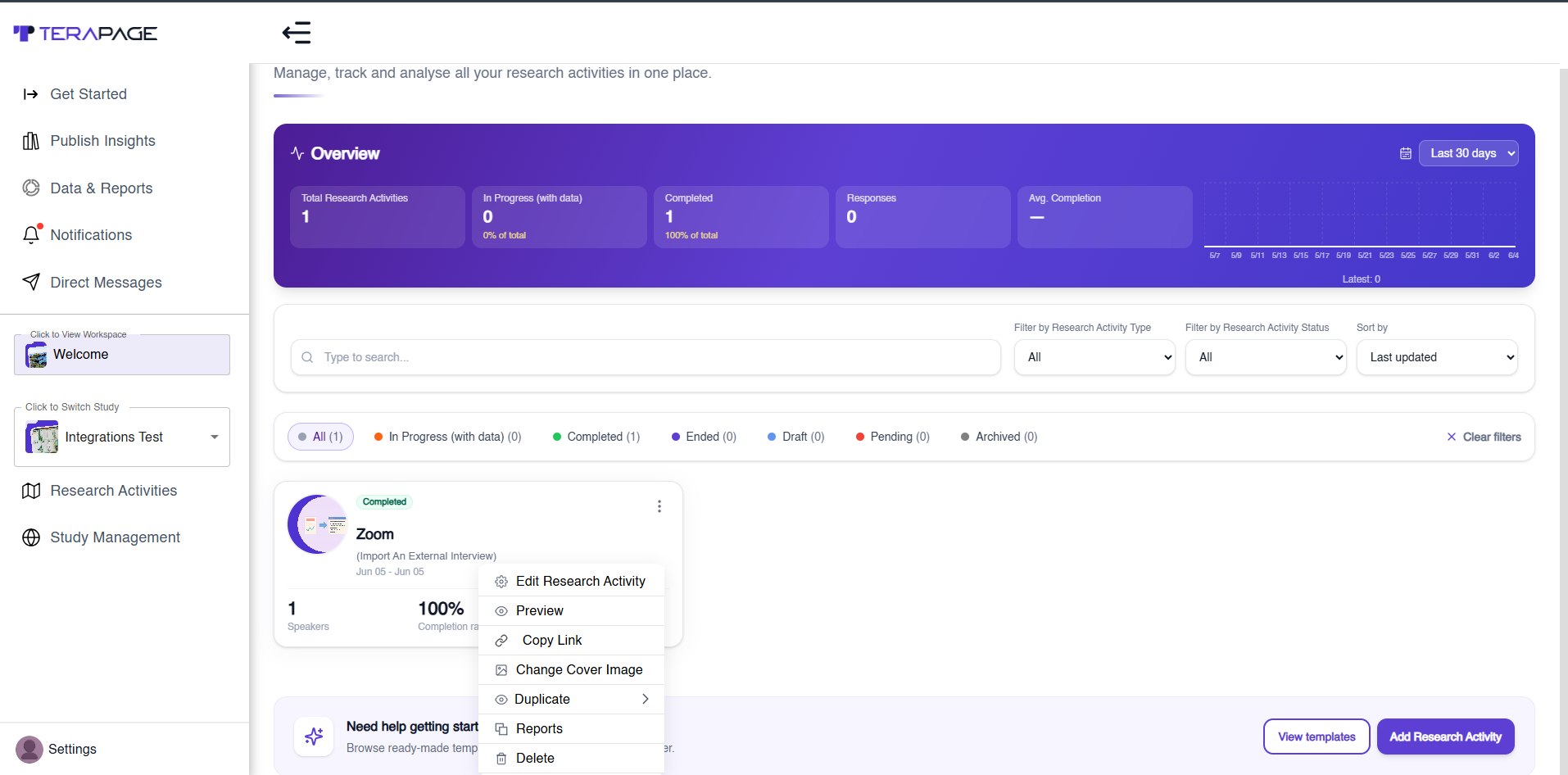
Feature: Delete Research Activity
Steps:
- Go to Research Activities
- Click three dots on activity card
- Select Delete
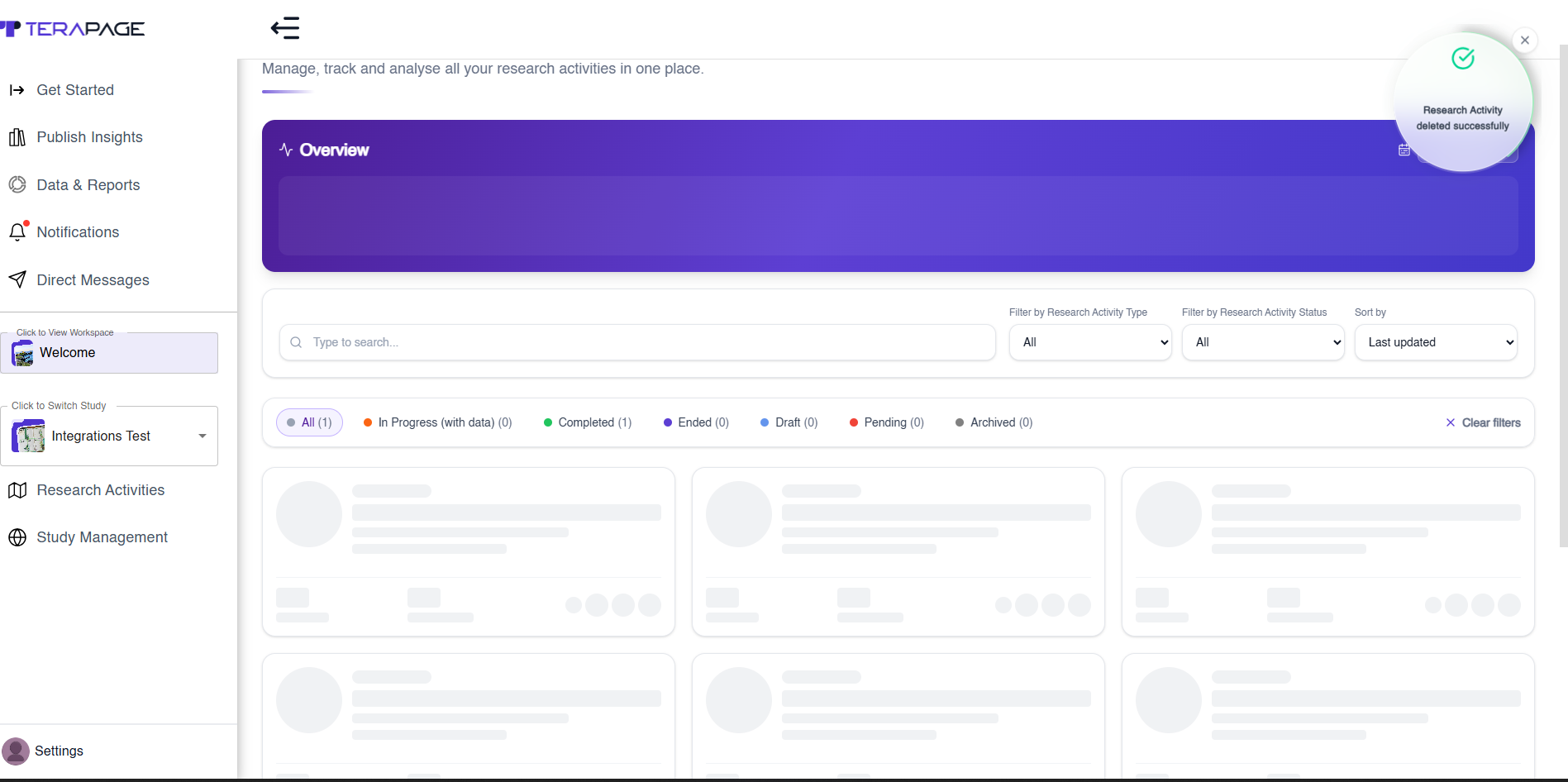
- Confirm deletion
- Click OK
Removing App
Disconnect Zoom:
- Settings → Account Settings → Integrations
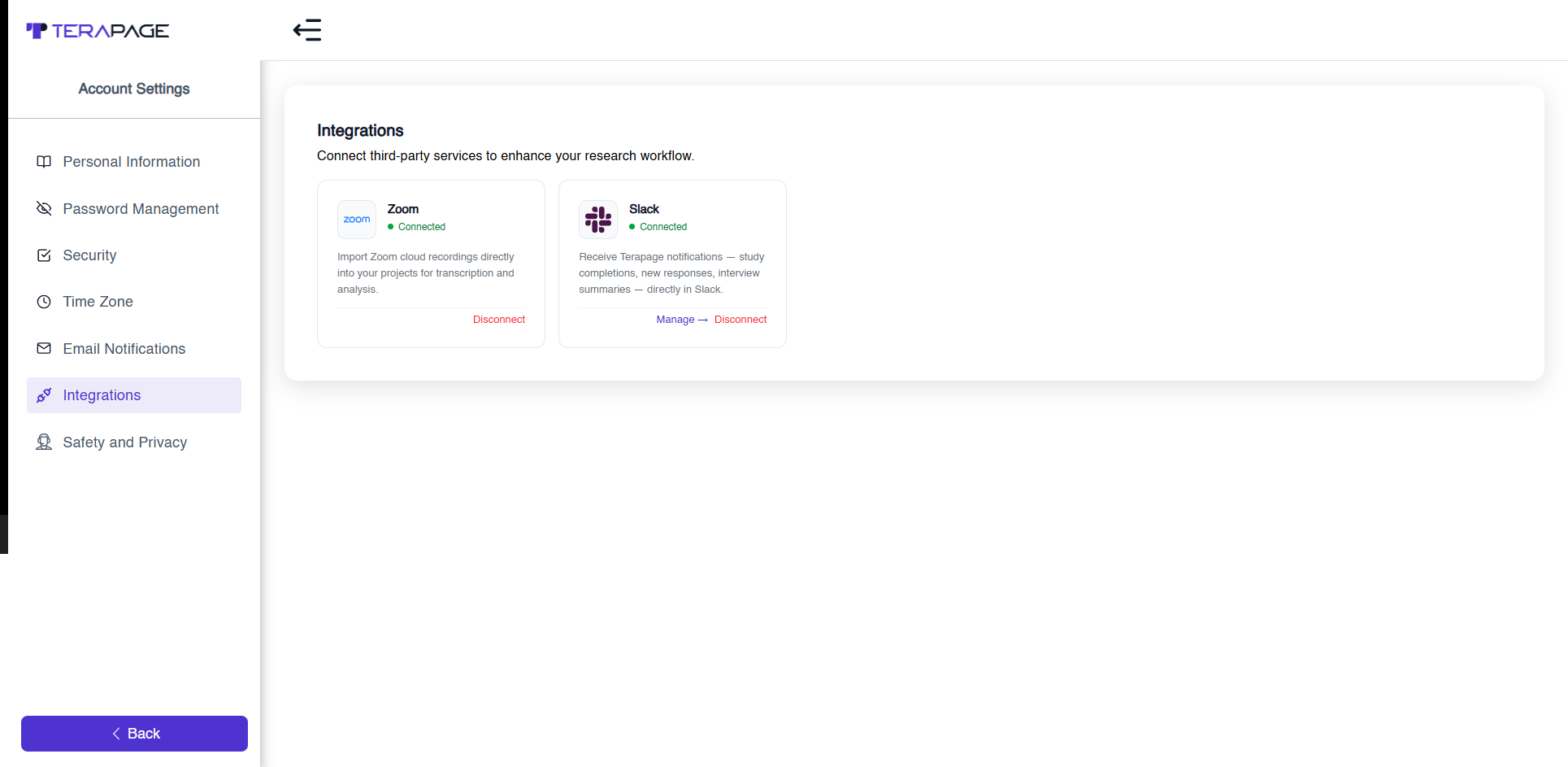
- Click Disconnect
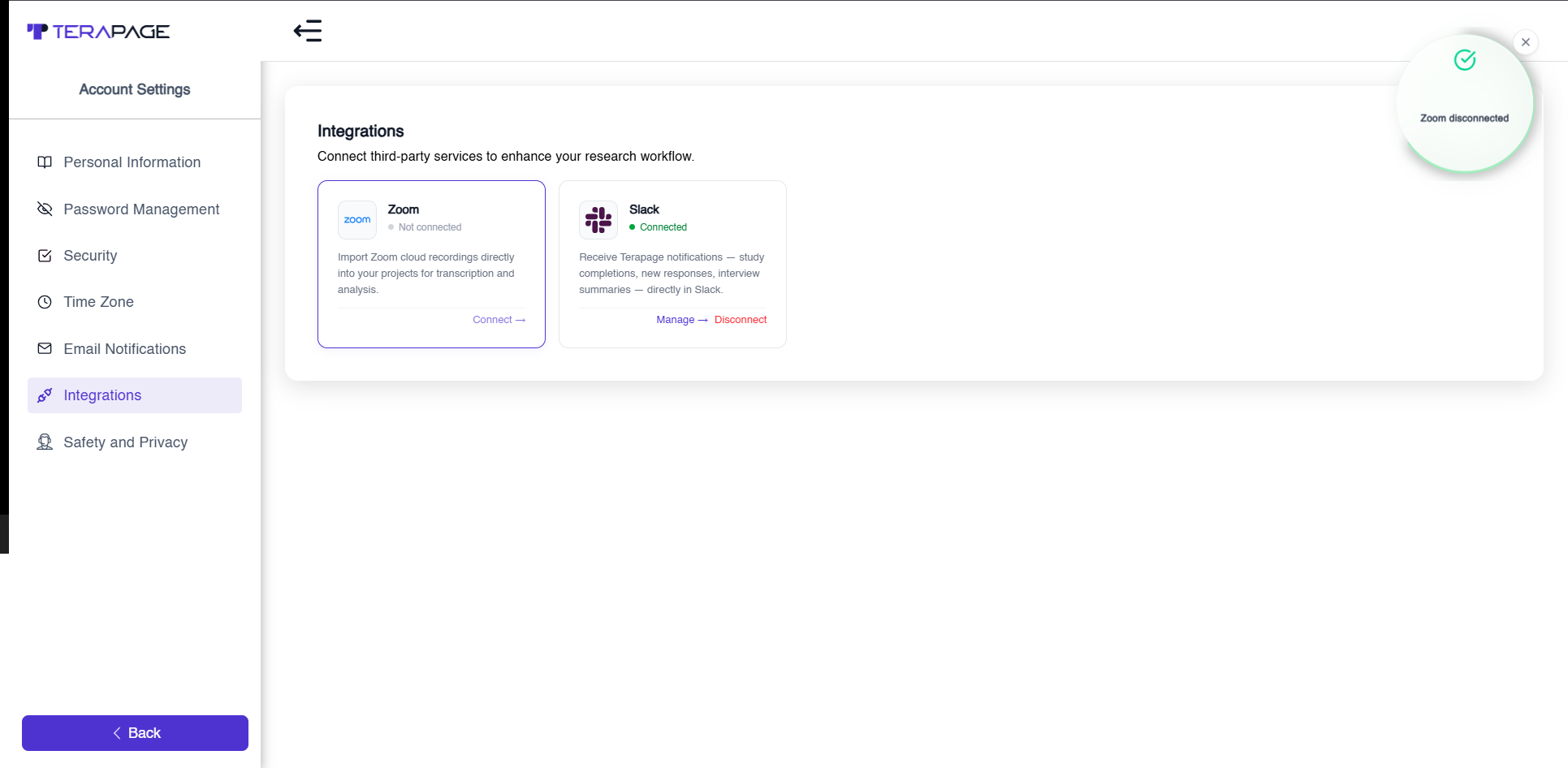
Revoke from Zoom site:
- Zoom Profile → Connected Apps
- Remove Terapage
Data handling:
- Tokens are deleted on disconnect
- Imported recordings remain unless manually deleted